Demo
A large gallery that loads more as you go.
Seventy-two photos from every demo on this site, twelve at first. Each click on Load more adds twelve, so the page stays fast and short until someone wants more.
Live demo
Twelve at a time
A 72-photo grid in six steps: five clicks on Load more show them all, or switch to on scroll and just keep scrolling. Only the photos that show are downloaded.
Settings load more: with a button layout: grid hover: zoom



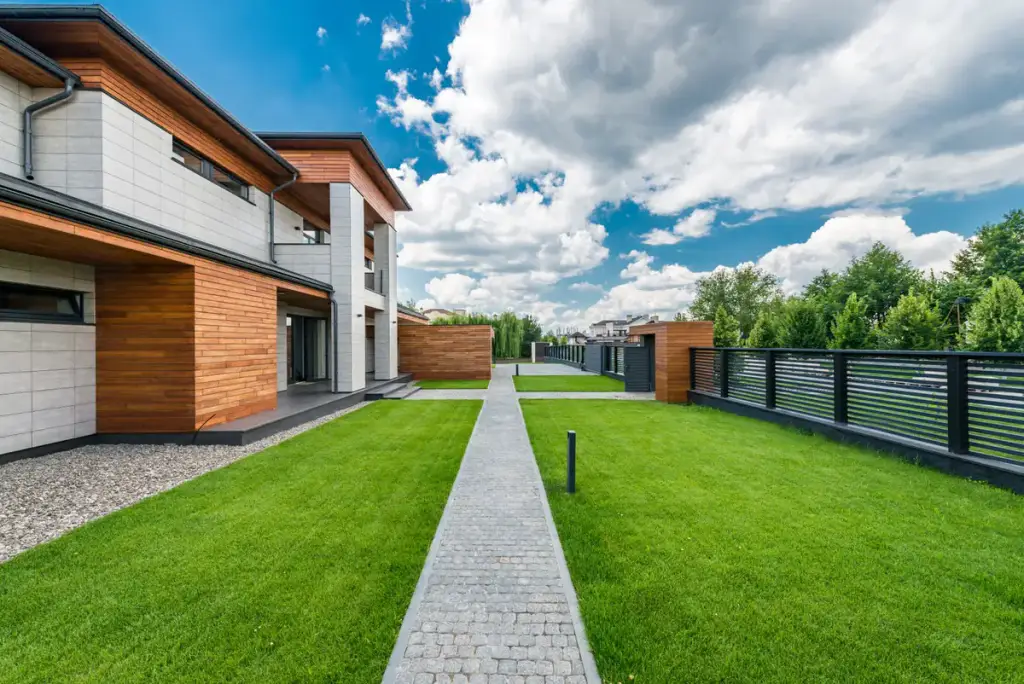
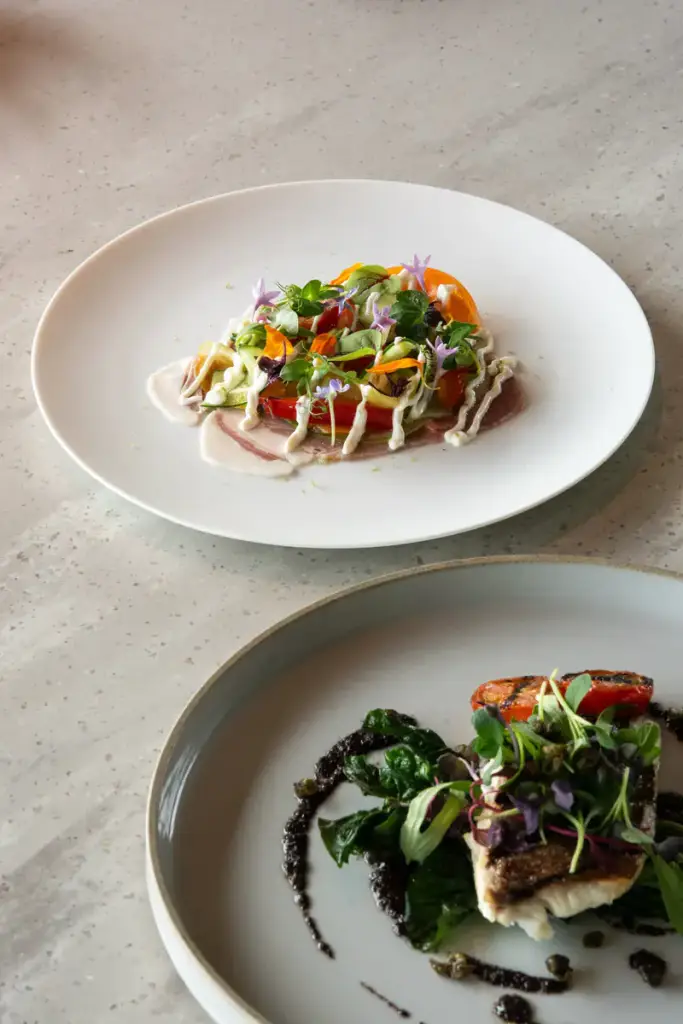





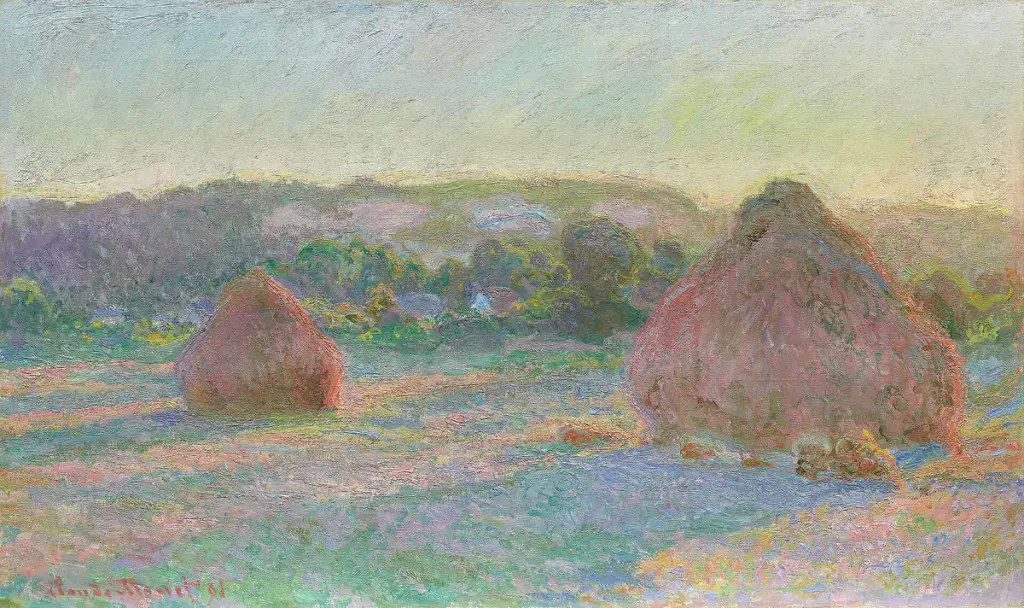
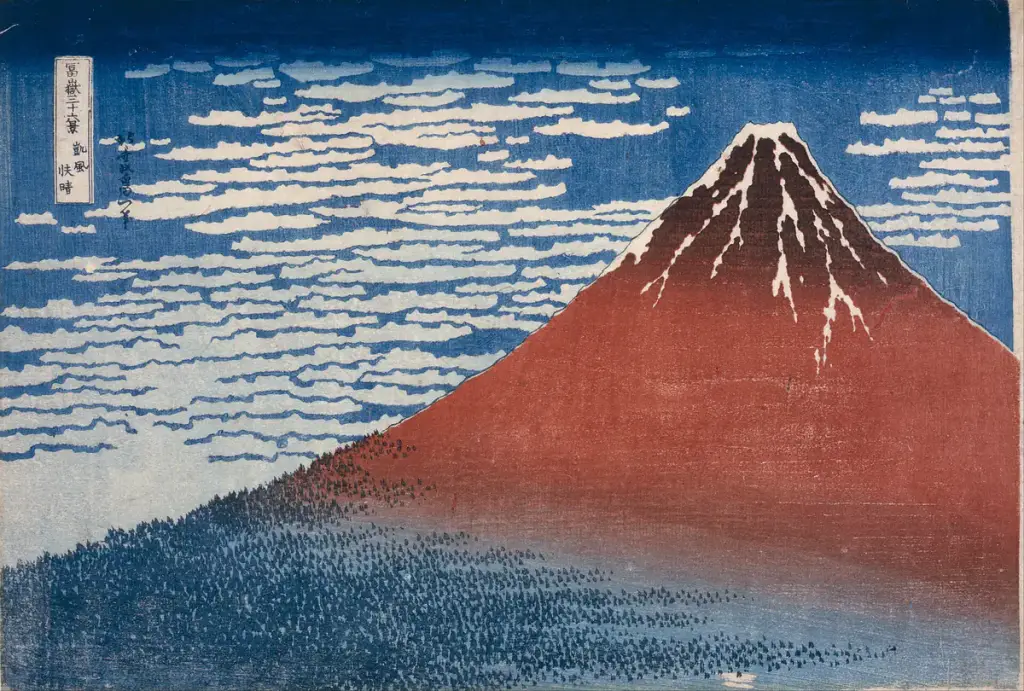








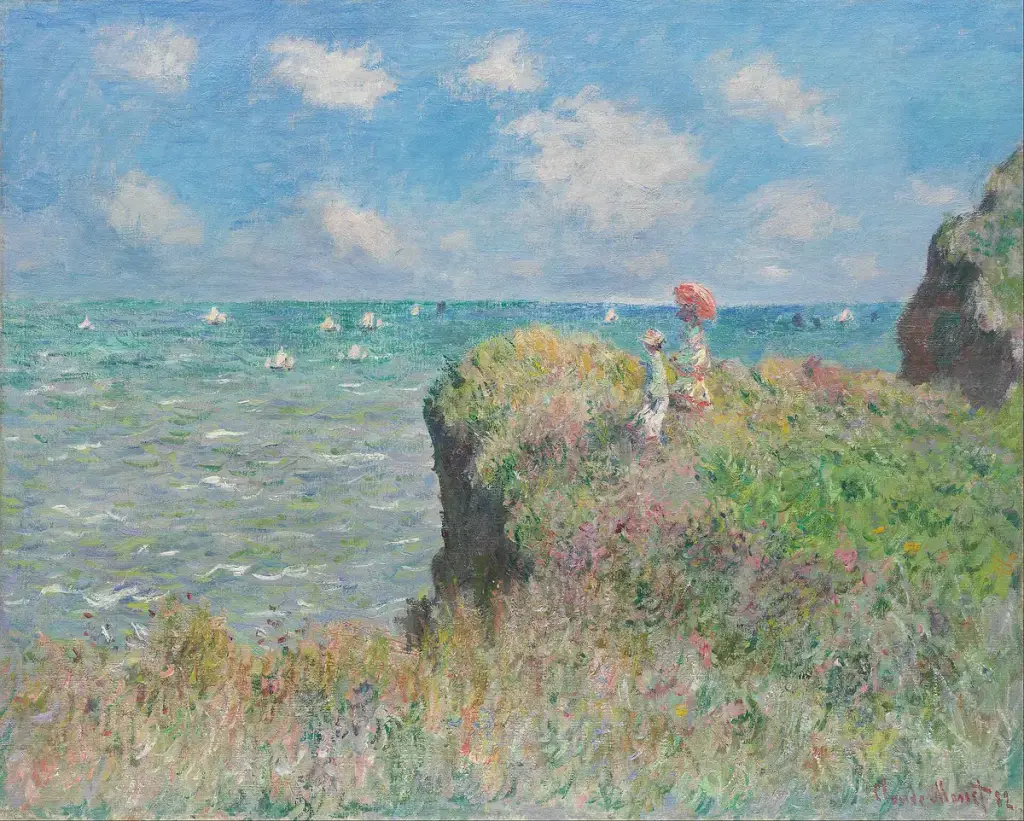



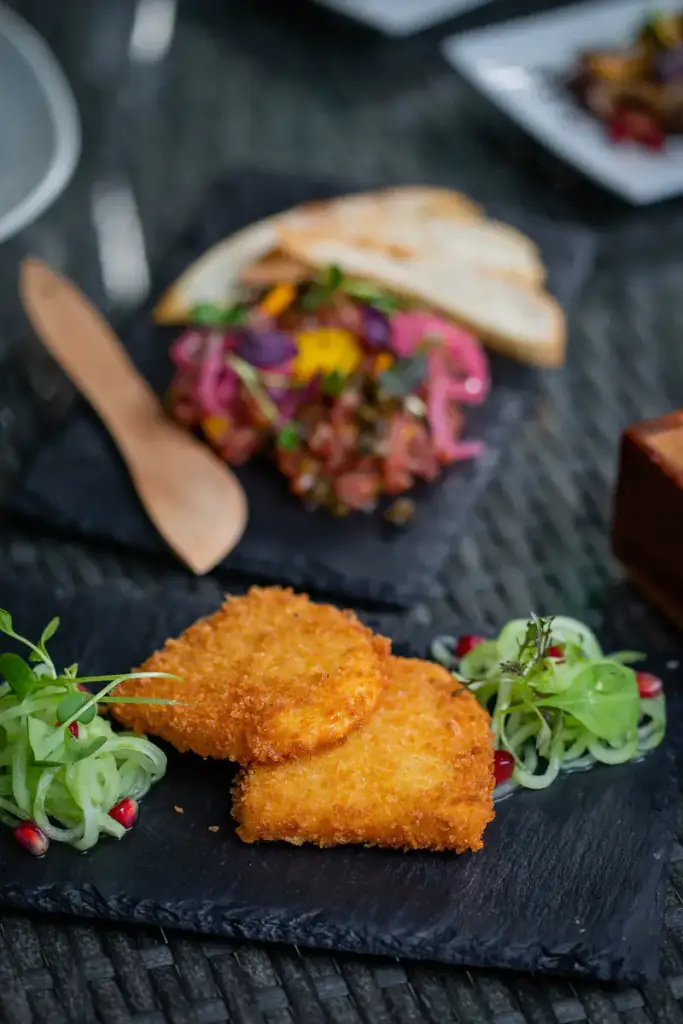


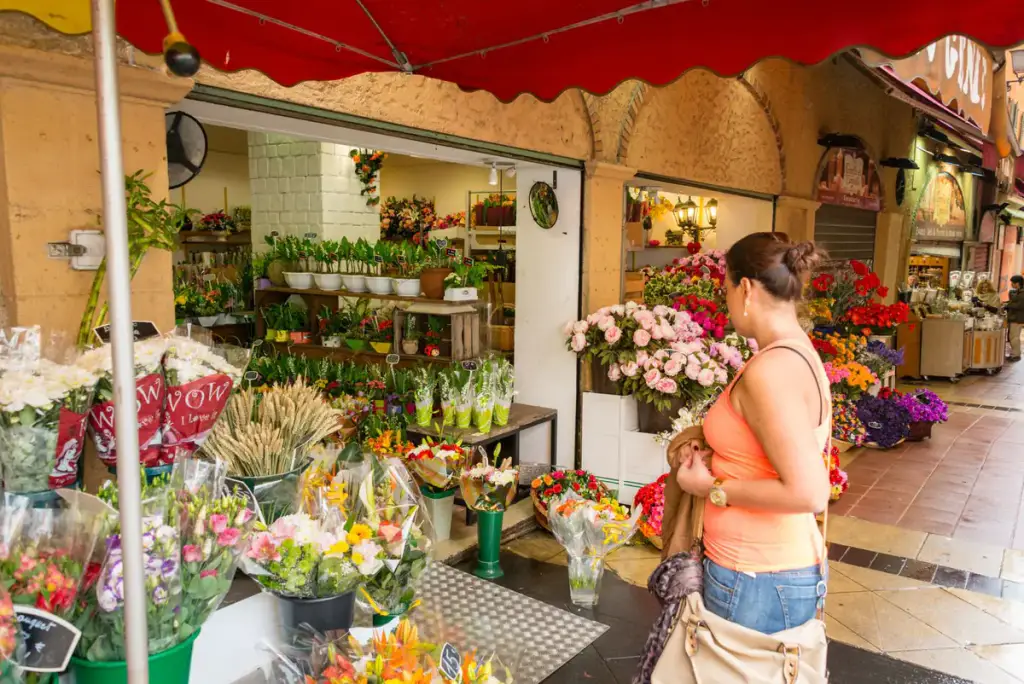


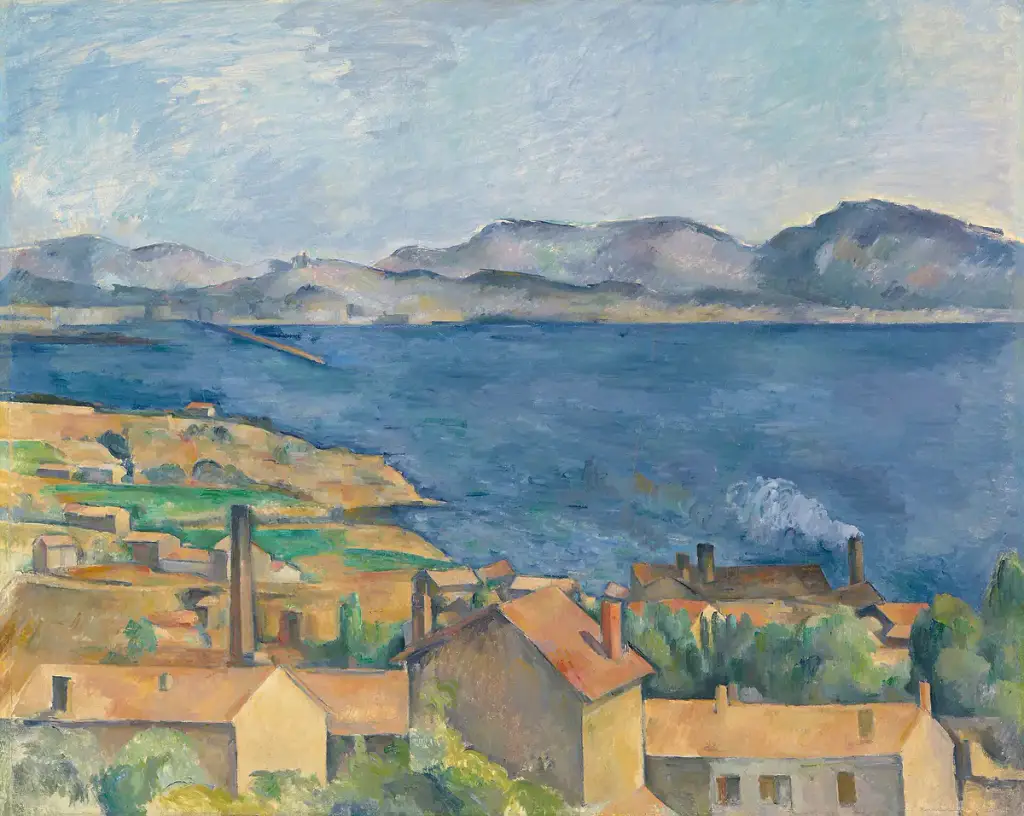


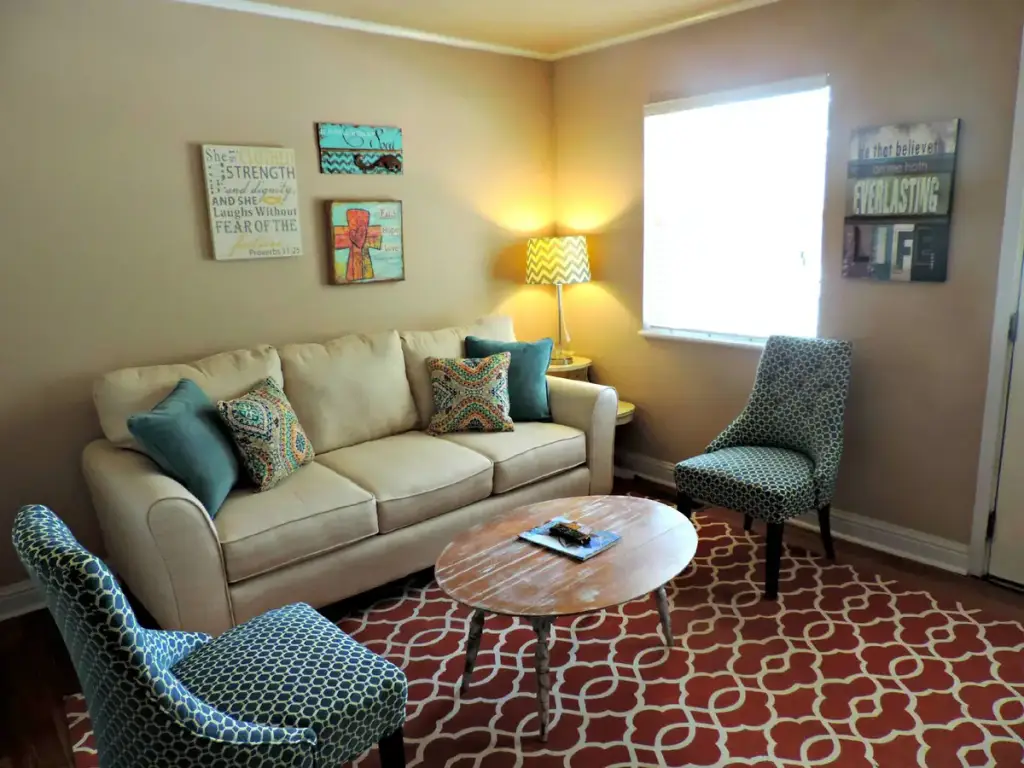



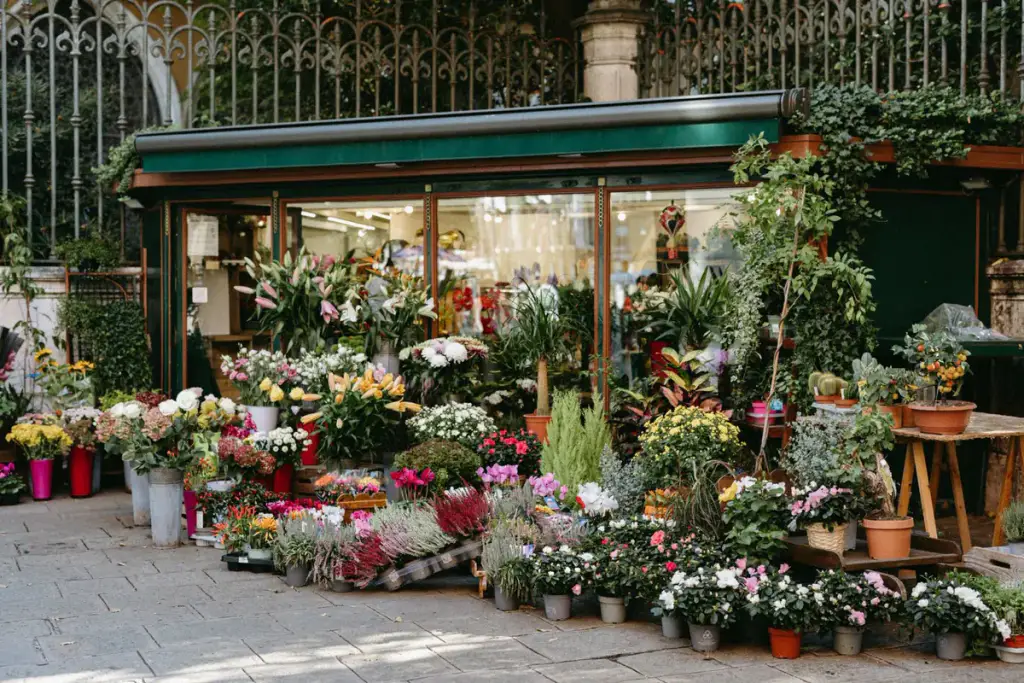

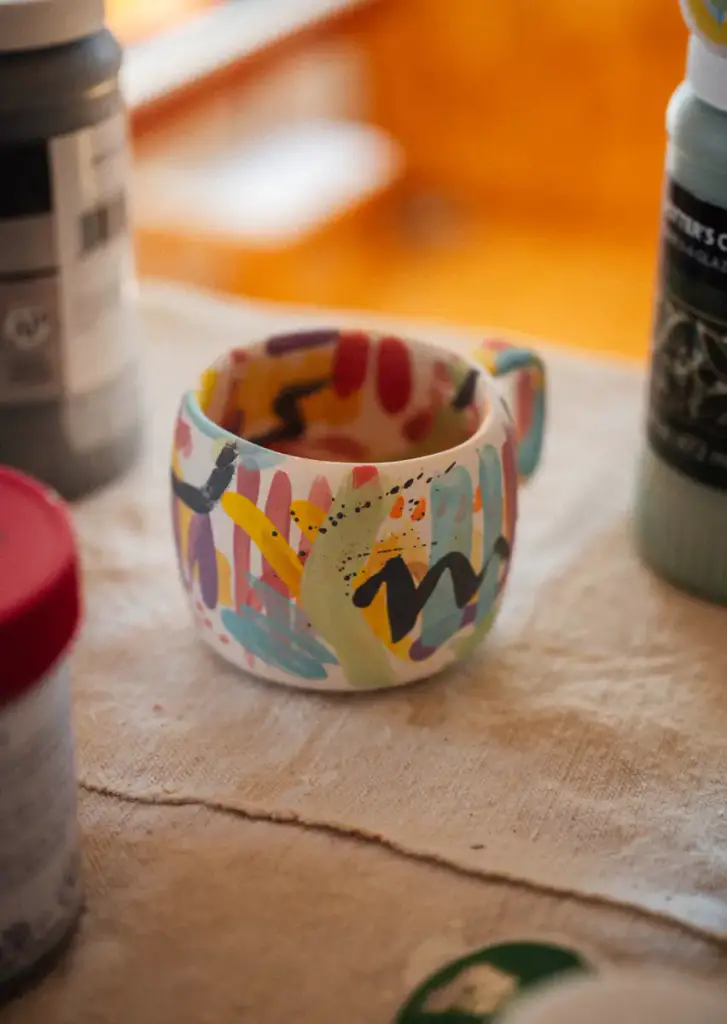
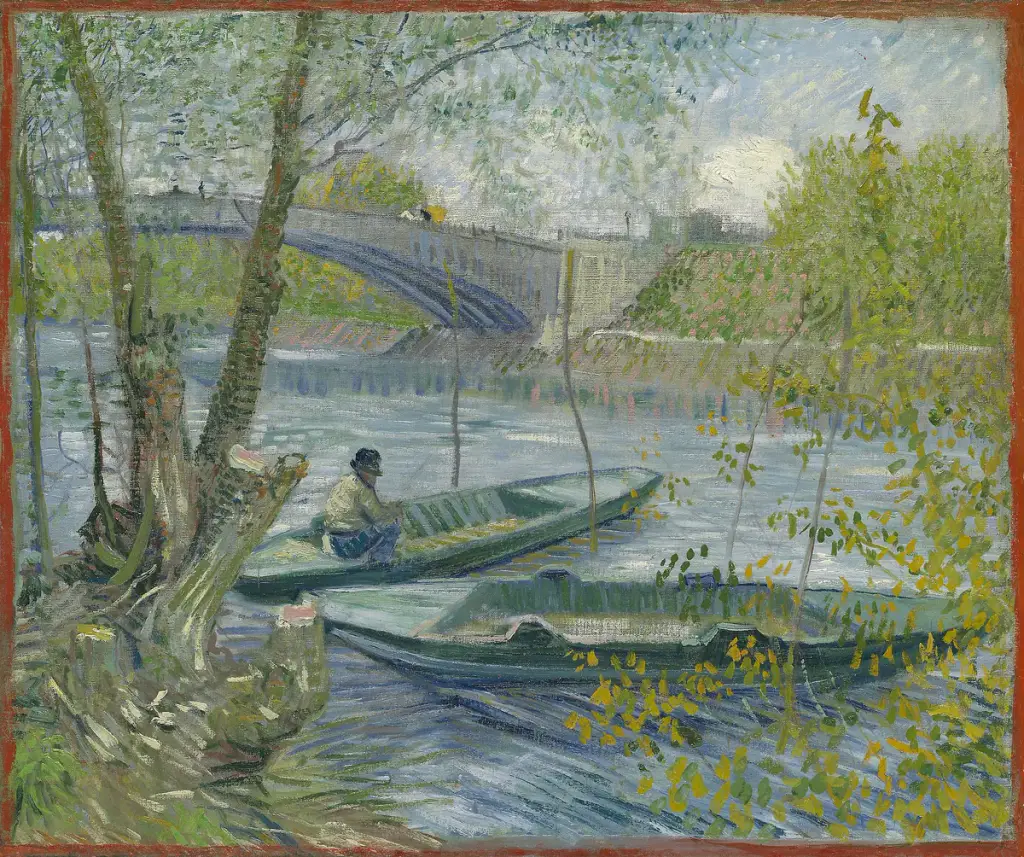


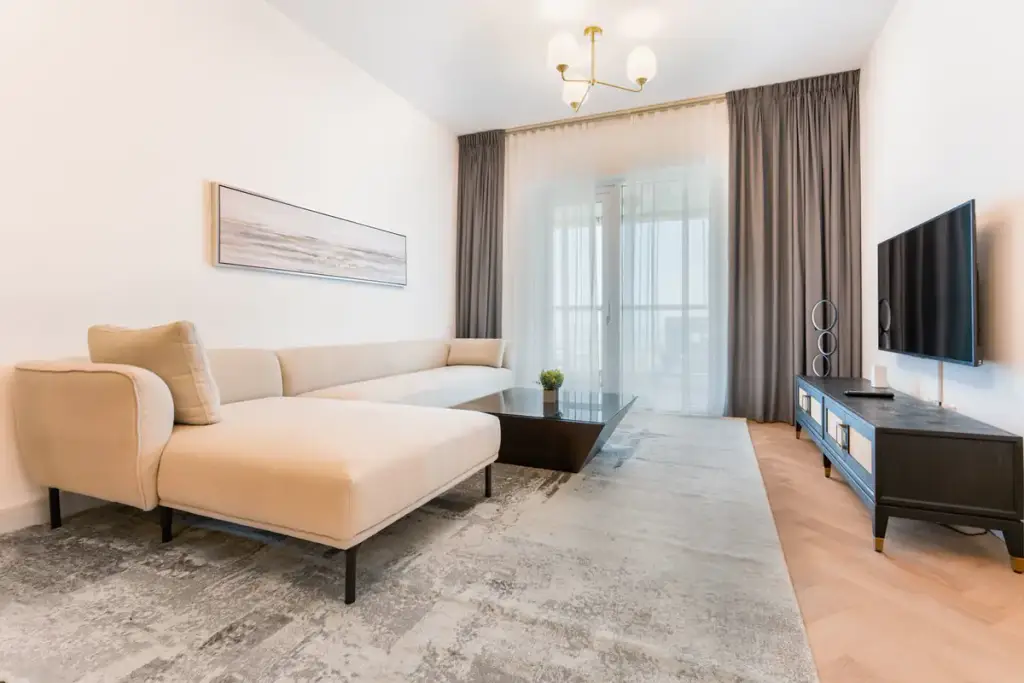
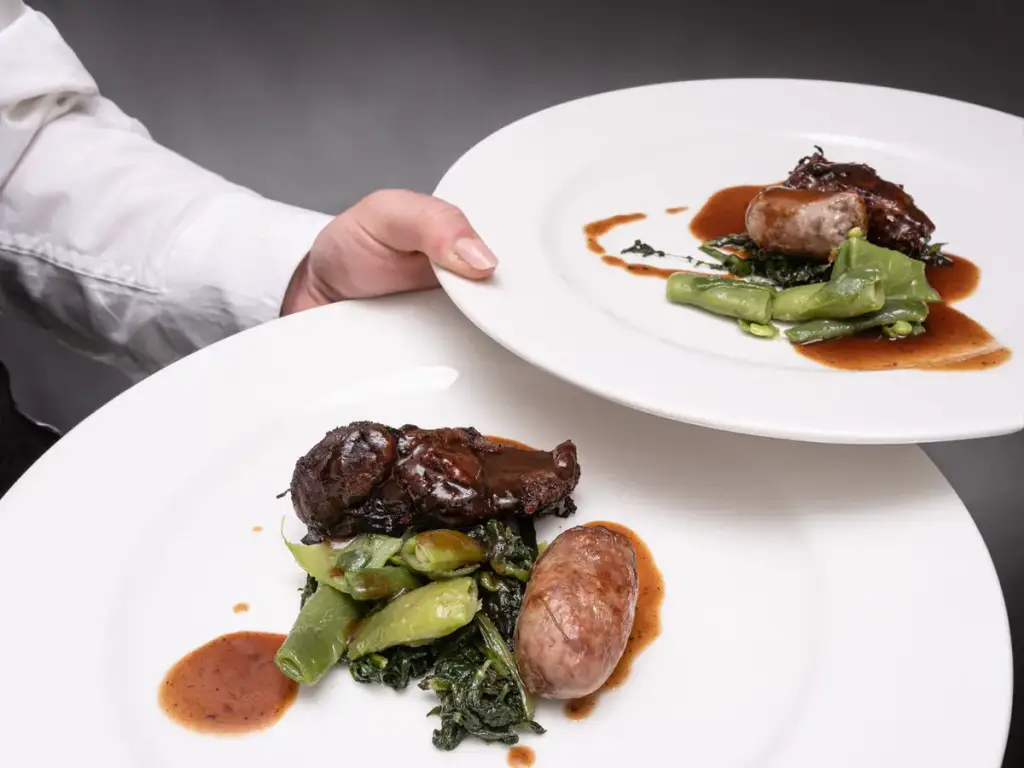
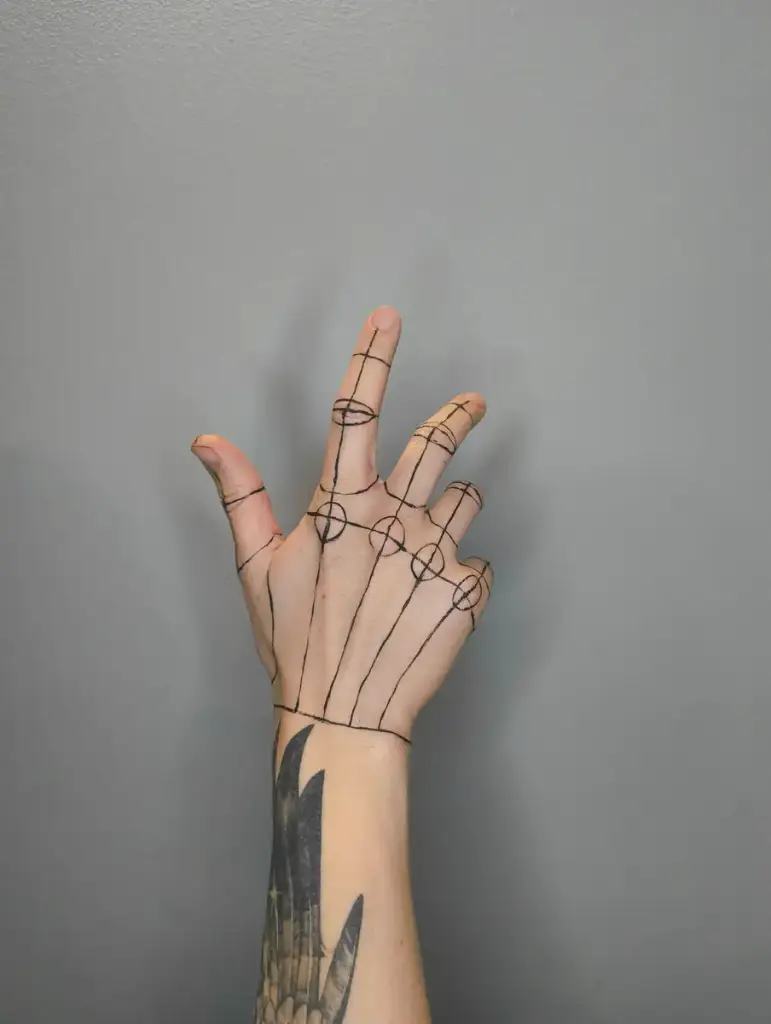




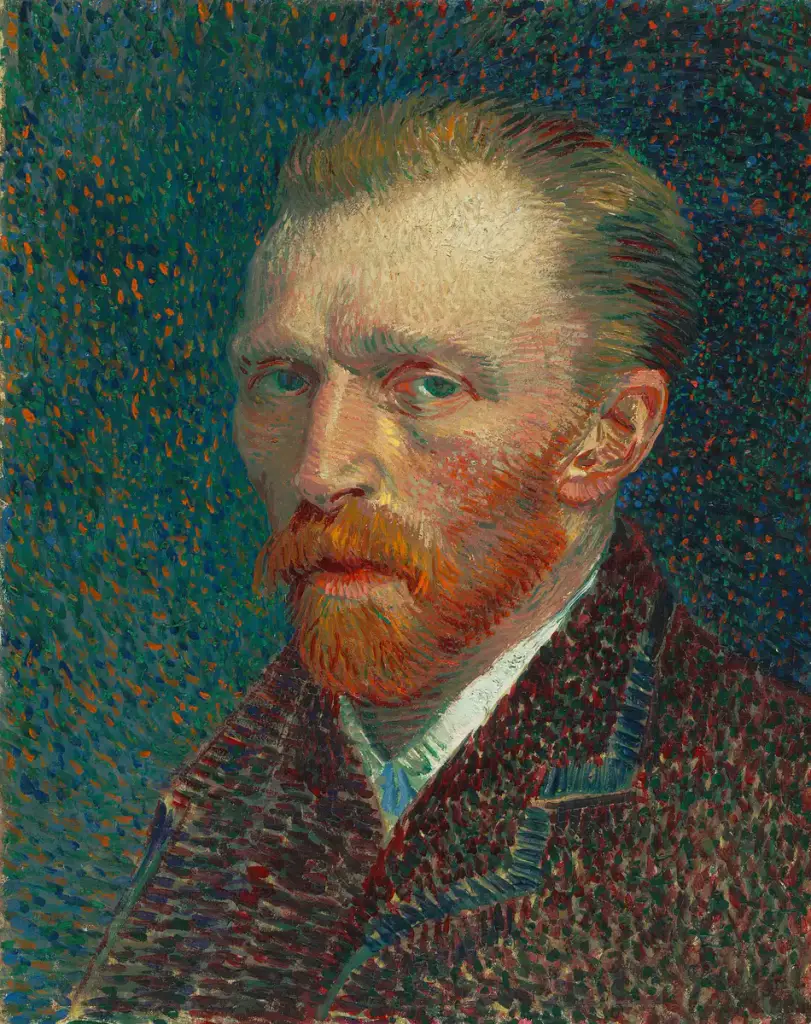









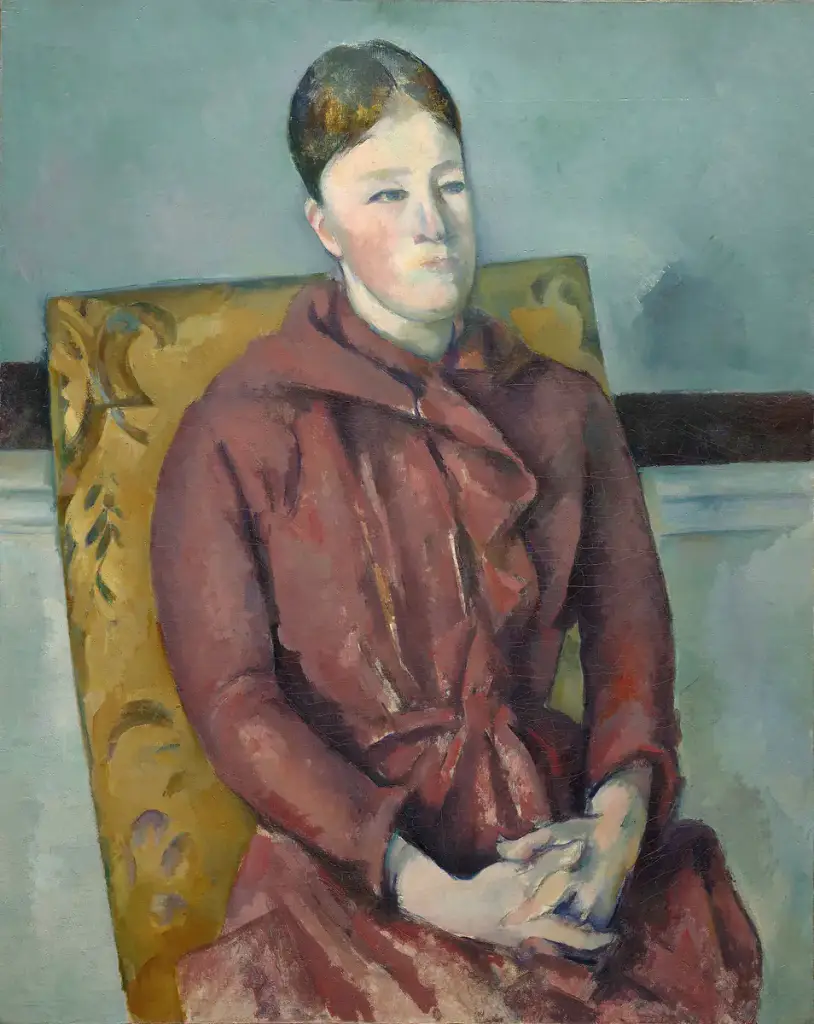


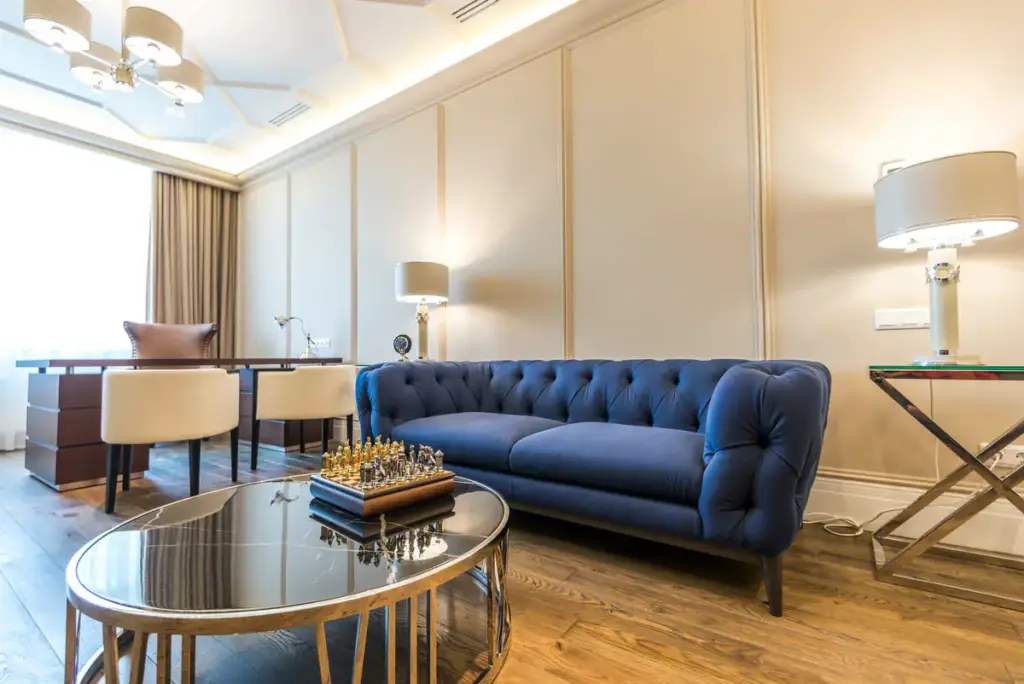








Photos from Pexels; paintings public domain, via Wikimedia Commons.
How to
Build it in three steps.
- Add a Filterable Gallery block with all your photos, or a Media Library query.
- Under Load more (Gallery Z Pro), pick In steps, with a button or on scroll.
- Set how many items each step shows. A filter above the gallery counts only what shows.
More demos: Ceramics portfolio, TikTok gallery, Instagram gallery, or all demos.
FAQ
Does the page load all 72 images at once?
No. Hidden photos are not downloaded until their step shows; the first images load right away, the rest lazily.
Can it load on scroll instead of a button?
Yes. Pick In steps, on scroll, and the next step shows as the visitor nears the end of the gallery.
Is load more free?
Load more is part of Gallery Z Pro. Galleries set up with it keep working if a license lapses.
Free · GPL v2 or later · No account
Get Gallery Z.
It’s free.
Download the zip, upload it under Plugins → Add New → Upload, and add a Filterable Gallery to any page. The free version needs no license key and no account.