Demo
A wedding photography gallery.
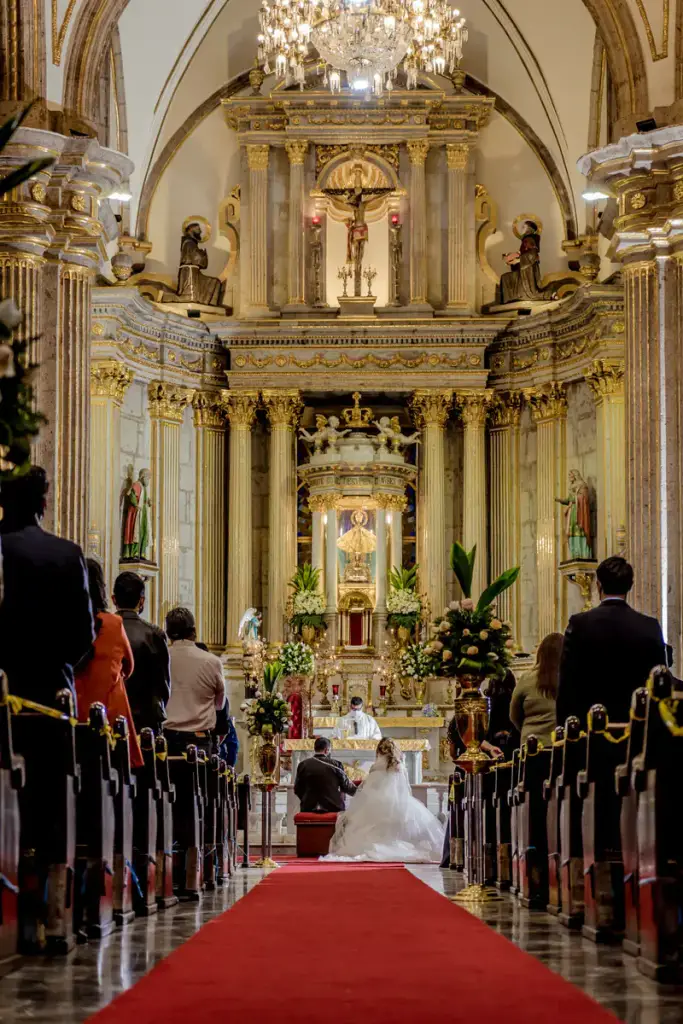
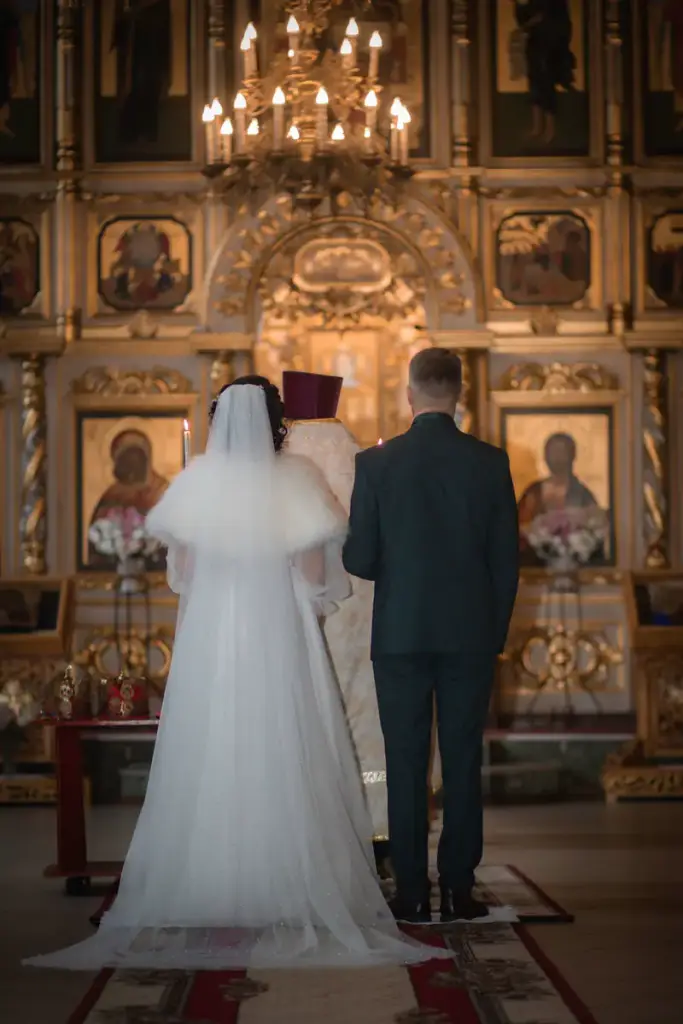
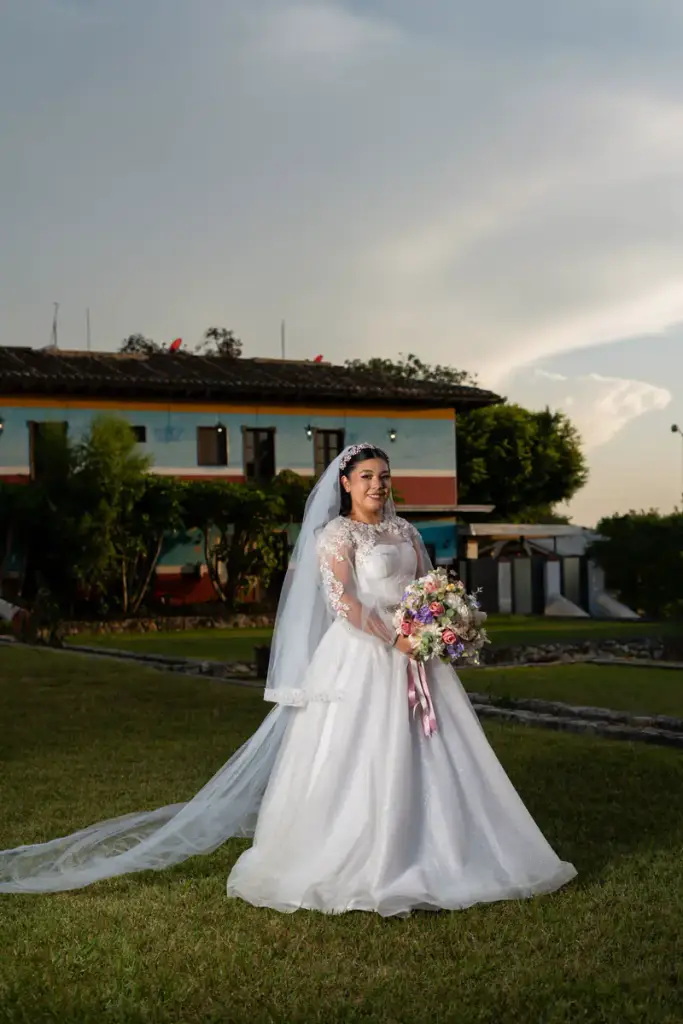
One wedding in four chapters: ceremony, portraits, details and the party. The couple jumps to the part they care about, and the lightbox moves through the day with arrow keys and swipes.
Live demo
A wedding in four chapters
Sixteen photos in masonry with a segmented filter. Hover for the caption, click for the lightbox.
Settings layout: masonry filter: segmented hover: zoom













How to
Build it in three steps.
- Add a Filterable Gallery and a Gallery Filter block to the couple’s page.
- Tag the photos by chapter – ceremony, portraits, details, party – selecting many at once.
- Choose masonry or justified rows and the lightbox, then share the page, or a link straight to one chapter.
More demos: Real estate listing, Restaurant menu, Tattoo portfolio, or all demos.
FAQ
How many photos can one gallery hold?
Hundreds. Images lazy-load at the size they are shown, so a long gallery stays fast – see the 100-photo demo.
Can I password-protect a client gallery?
Yes, with the page password WordPress already has. The gallery is a regular block on a regular page.
Do I need one gallery per chapter?
No. One gallery and one filter: each photo carries its chapter as a Gallery Category.
Free · GPL v2 or later · No account
Get Gallery Z.
It’s free.
Download the zip, upload it under Plugins → Add New → Upload, and add a Filterable Gallery to any page. No license key, no pro version, no upsell.