Demo
A portfolio gallery for tattoo studios.
Healed work and studio shots in a 4:5 grid, filtered by style. Clients find fine line or blackwork in one tap, then open a piece up close.
Live demo
Four styles, one studio
Sixteen photos in a 4:5 grid, filtered by style with your theme’s buttons and counts.
Settings layout: grid crop: 4:5 filter: theme button




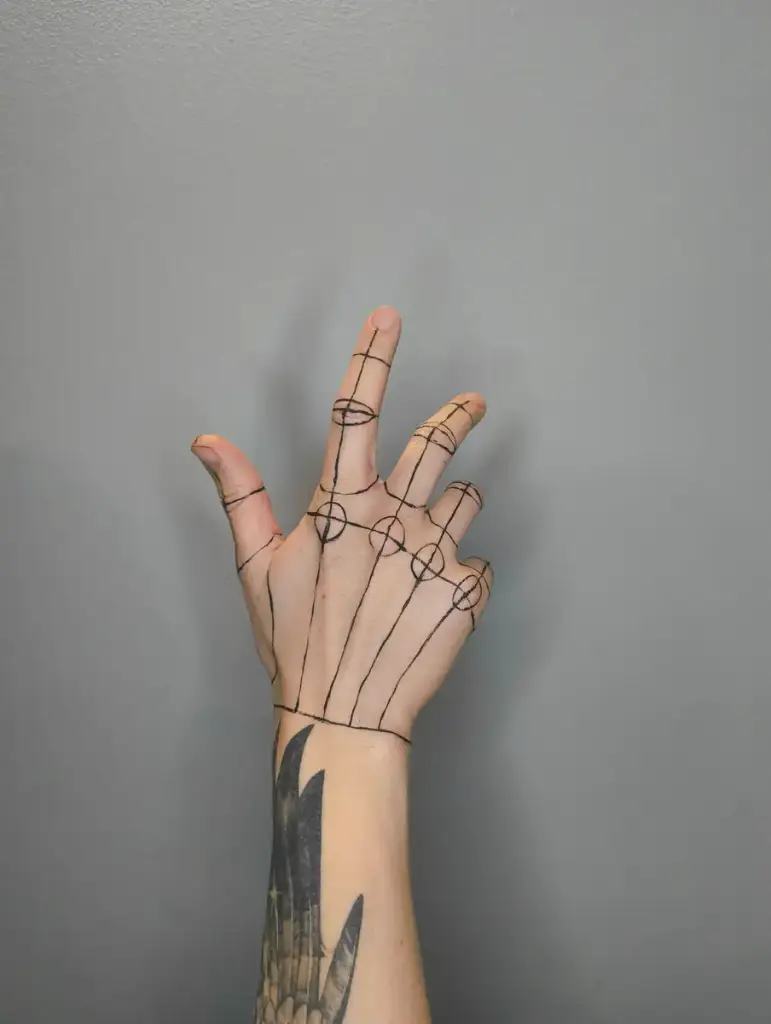



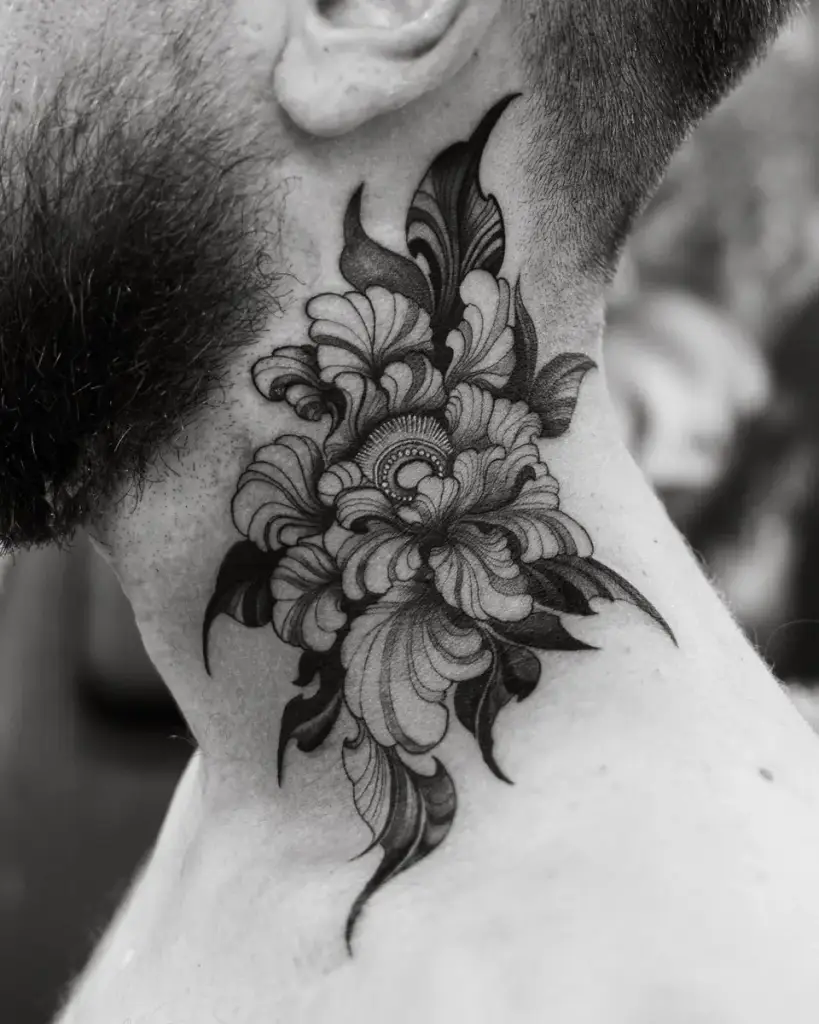







How to
Build it in three steps.
- Add a Filterable Gallery and a Gallery Filter block.
- Tag each piece with its style – or with the artist who did it.
- Pick a 4:5 grid like on Instagram, and show counts, so clients see how much work there is per style.
More demos: Fashion lookbook, Florist gallery, Event photos, or all demos.
FAQ
Can I filter by artist instead of style?
Yes. You name the categories: styles, artists, or both.
Can I add Instagram posts?
Yes. Paste an Instagram link into the gallery: it becomes an item with its cover image, next to your photos.
Will it match my site?
The filter and captions use your theme’s fonts and colors, in styles from theme buttons to pills and tabs.
Free · GPL v2 or later · No account
Get Gallery Z.
It’s free.
Download the zip, upload it under Plugins → Add New → Upload, and add a Filterable Gallery to any page. The free version needs no license key and no account.