Demo
A gallery for florists.
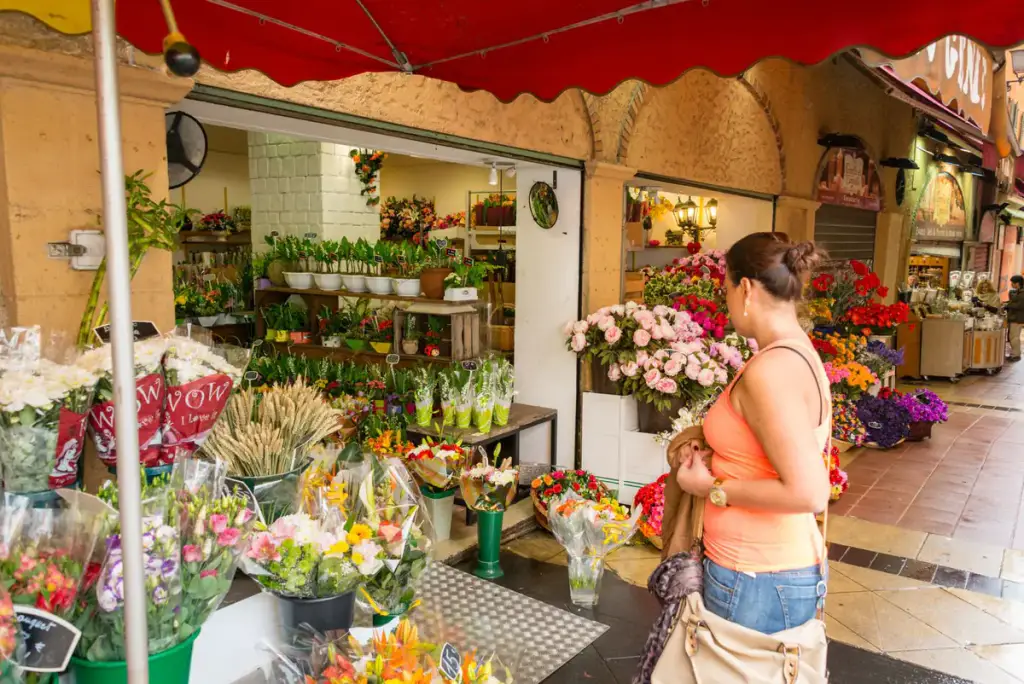
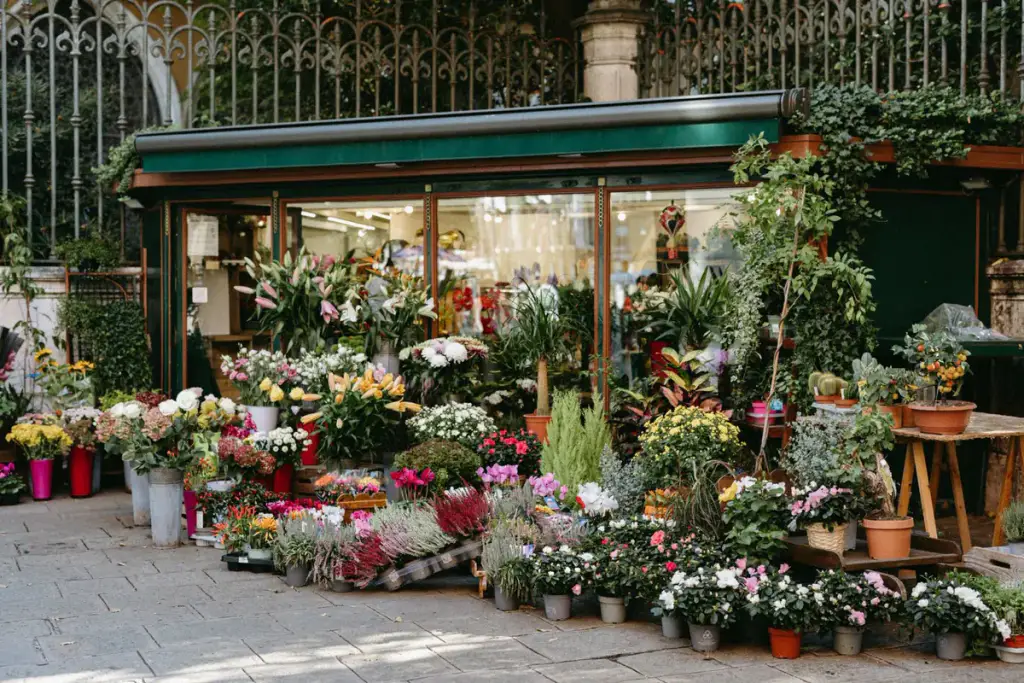
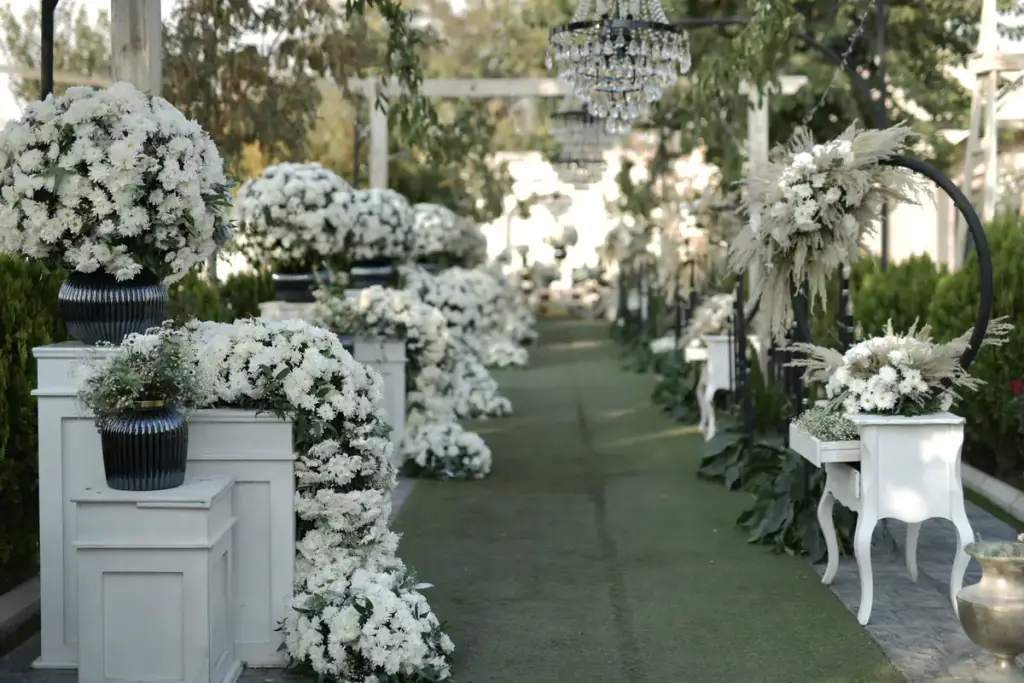
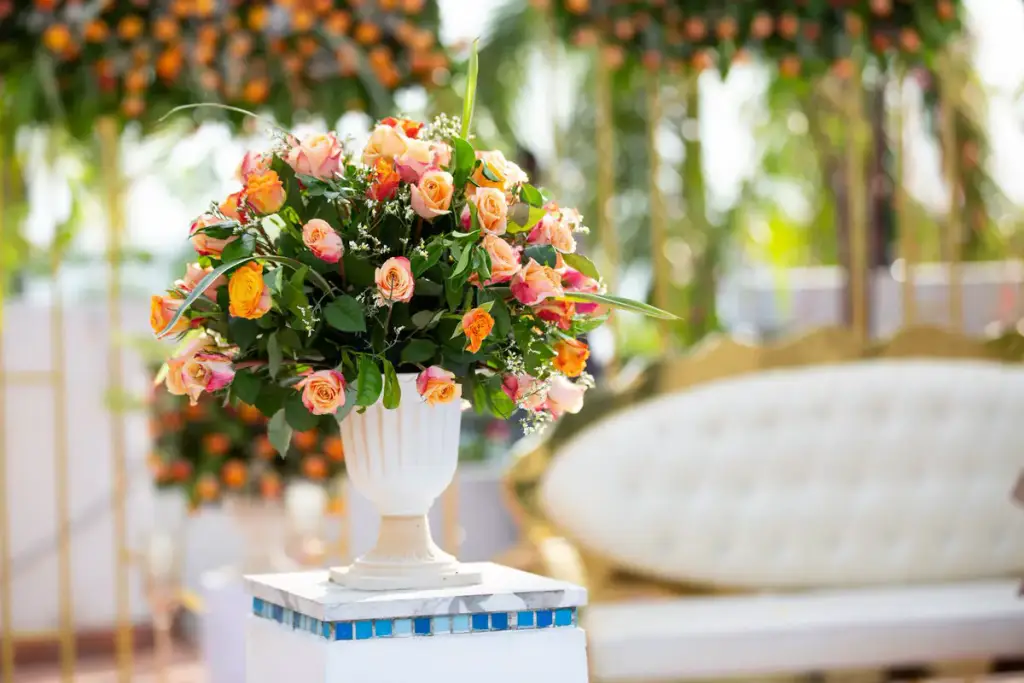
Bouquets, weddings, workshops and the shop itself in one masonry gallery with a filter. The colors do the selling.
Live demo
Flowers for every occasion
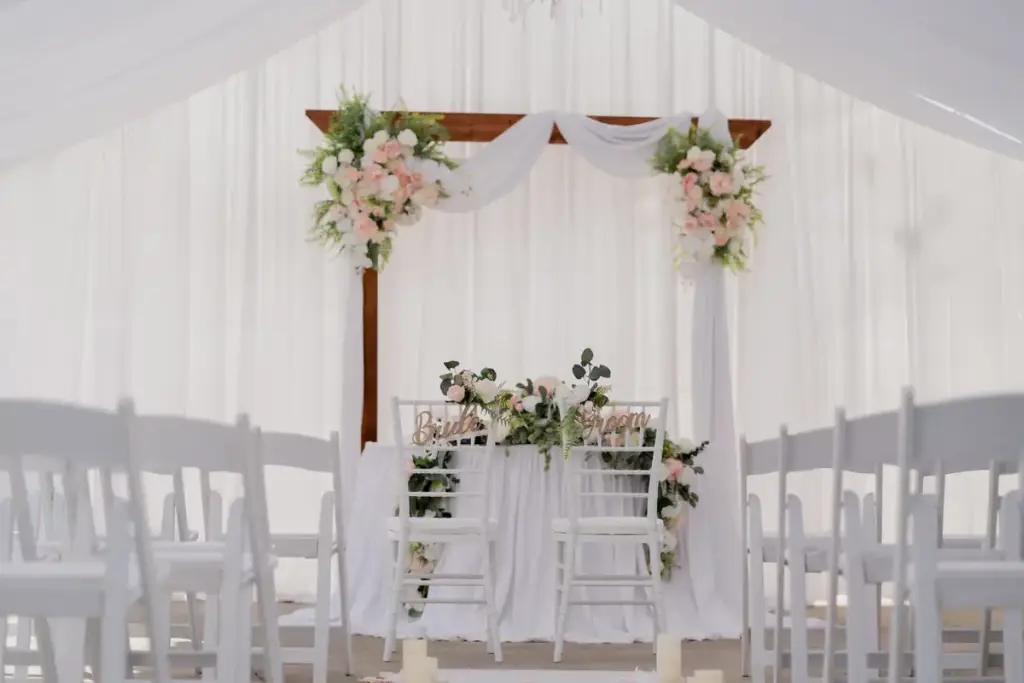
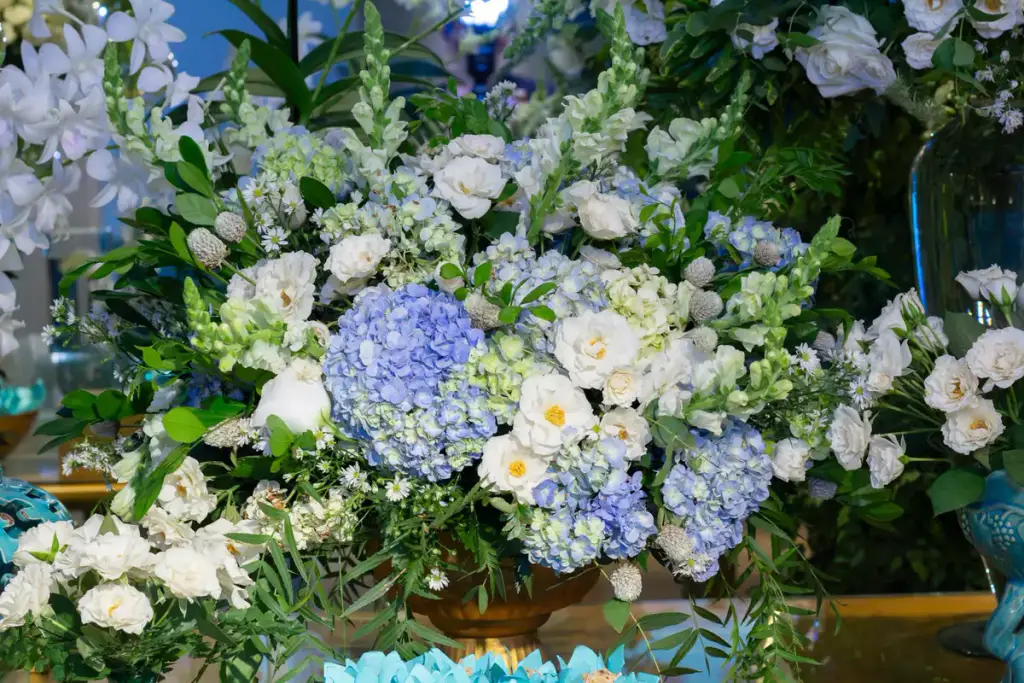
Sixteen photos in masonry with pill filters and captions on hover.
Settings layout: masonry filter: pills hover: zoom










How to
Build it in three steps.
- Add a Filterable Gallery and a Gallery Filter block.
- Tag photos by occasion – bouquets, weddings, workshops – when you upload them.
- Pick masonry, a filter style and a gentle hover effect.
More demos: Event photos, Load more, Ceramics portfolio, or all demos.
FAQ
Can new photos show up on their own?
Yes. The Gallery Media Query block adds the Media Library images of a Gallery Category, so new uploads with that category appear in the gallery.
Can I add a workshop video?
Yes. Paste a YouTube, Vimeo, TikTok or Instagram link into the gallery; it plays in the same lightbox.
Do I need a page builder?
No. Gallery Z is a set of blocks for the WordPress editor.
Free · GPL v2 or later · No account
Get Gallery Z.
It’s free.
Download the zip, upload it under Plugins → Add New → Upload, and add a Filterable Gallery to any page. The free version needs no license key and no account.