Demo
An Instagram gallery for WordPress.
Hand-pick Instagram reels and posts for a gallery: paste their links, done. Gallery Z saves each cover image as the poster. A click opens Instagram’s own embed in the lightbox. No feed sync, no access token, no account to connect.
Live demo
Reels by Pexels
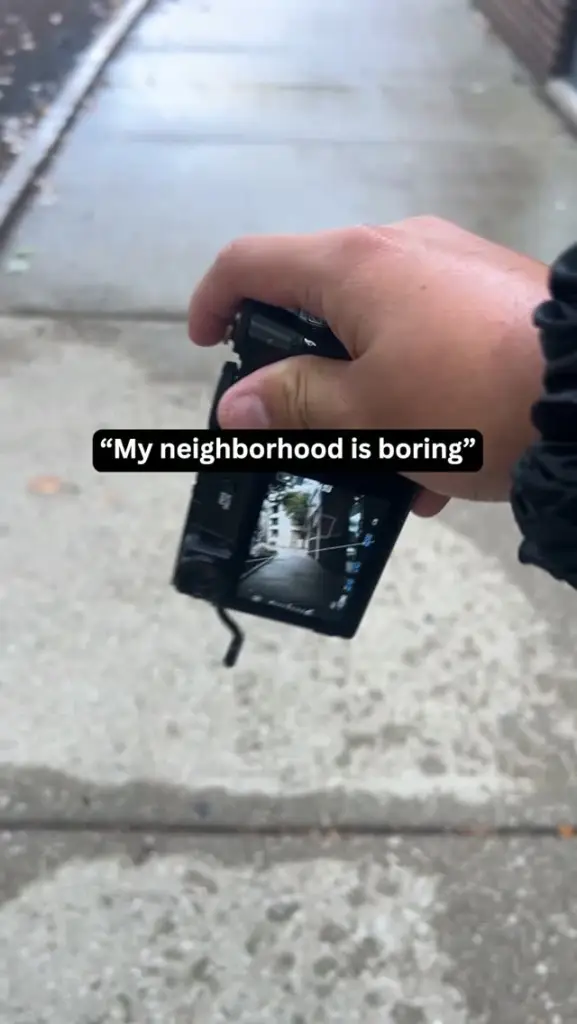
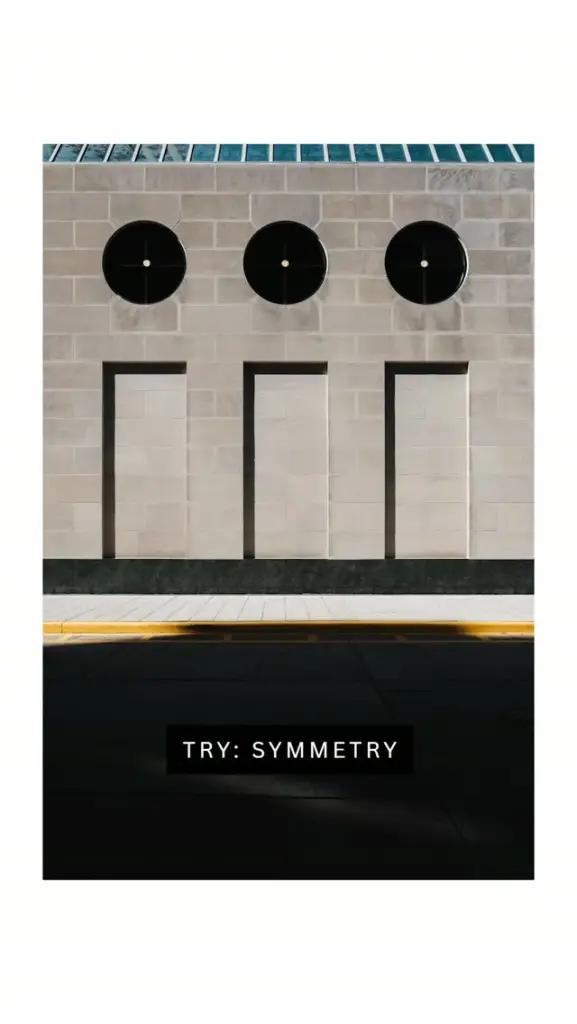
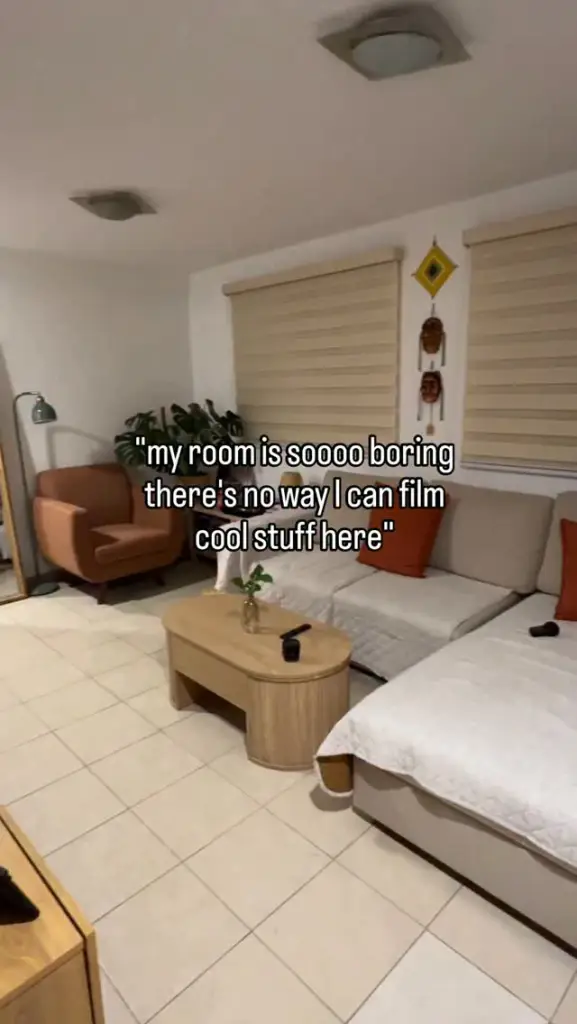
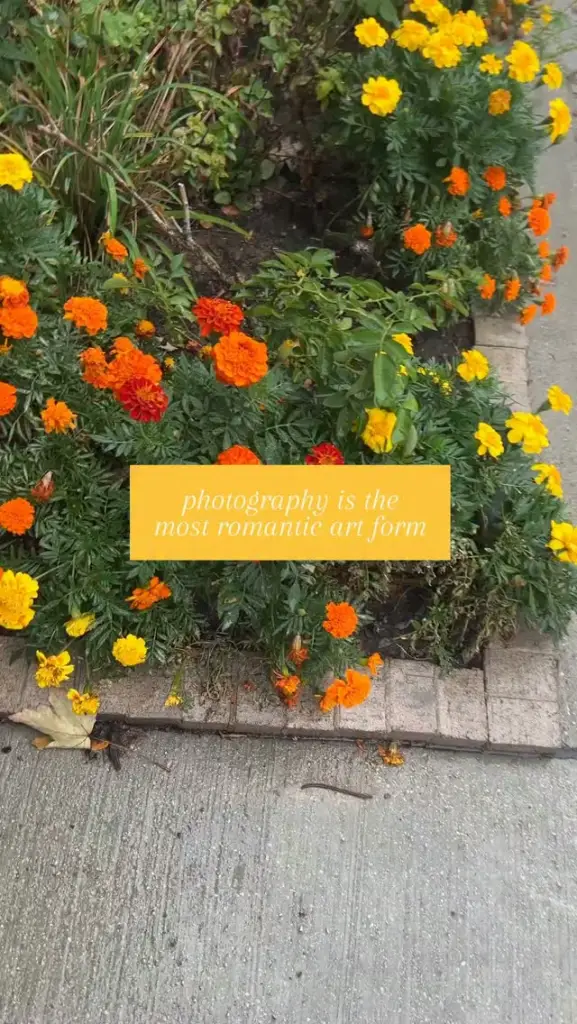
Eight Instagram reels from Pexels in a 9:16 grid, with their own cover images. Click one to open Instagram’s embed.
Settings layout: grid hover: zoom lightbox: dark




How to
Build it in three steps.
- Add a Filterable Gallery block to a page.
- Paste an Instagram link (
instagram.com/reel/…or/p/…) into it. Gallery Z saves the cover image to your Media Library as the poster. - Pick a layout: a 9:16 grid, masonry or a carousel. Swap a poster for your own image any time.
More demos: YouTube Shorts gallery, Artist portfolio, Illustration portfolio, or all demos.
FAQ
Is this an Instagram feed?
No, and that is the point: you choose which posts show, in which order, next to your own photos. Nothing syncs, so nothing breaks when Instagram changes its API.
Do I need an Instagram account or access token?
No. Gallery Z fetches the public cover image once, when you paste the link, and keeps it in your Media Library. You can replace it with your own poster.
Does Instagram track my visitors?
Not from the gallery page. Instagram’s embed loads in the lightbox, after a click, like any Instagram embed.
Free · GPL v2 or later · No account
Get Gallery Z.
It’s free.
Download the zip, upload it under Plugins → Add New → Upload, and add a Filterable Gallery to any page. No license key, no pro version, no upsell.