Demo
A portfolio gallery for illustrators and studios.
Illustrations and prints from several artists on one masonry wall, with a tab per artist – the way a studio or an agency shows its roster.
Live demo
Hokusai, Hiroshige, Toulouse-Lautrec
Fourteen public-domain prints in masonry, filtered by artist with tabs. Open one to see it large.
Settings layout: masonry filter: underline captions: on hover
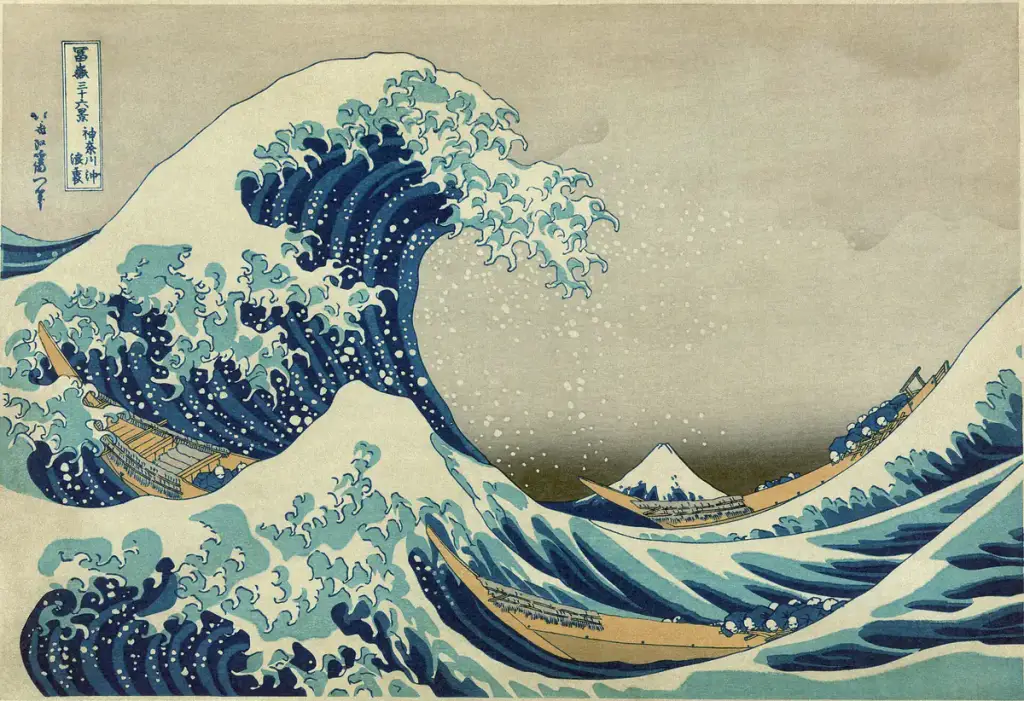
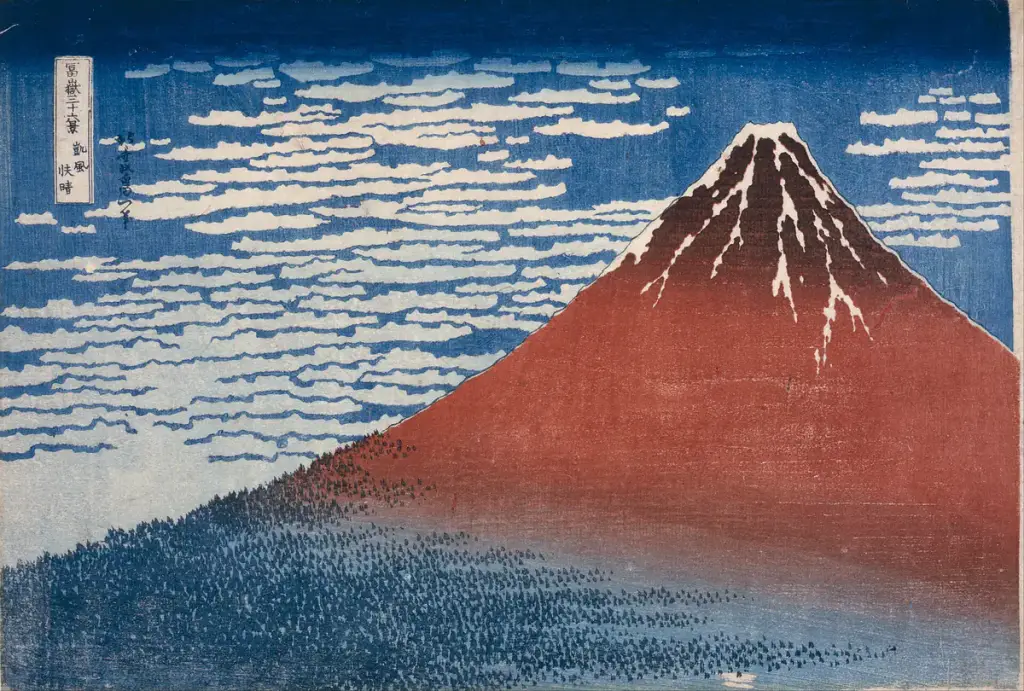


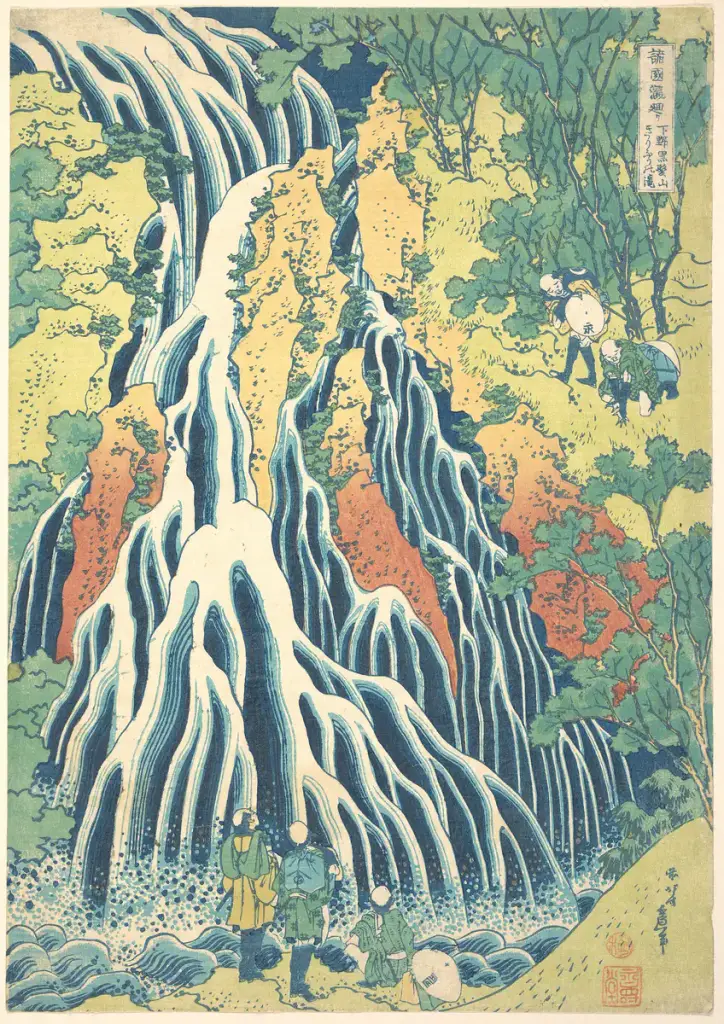
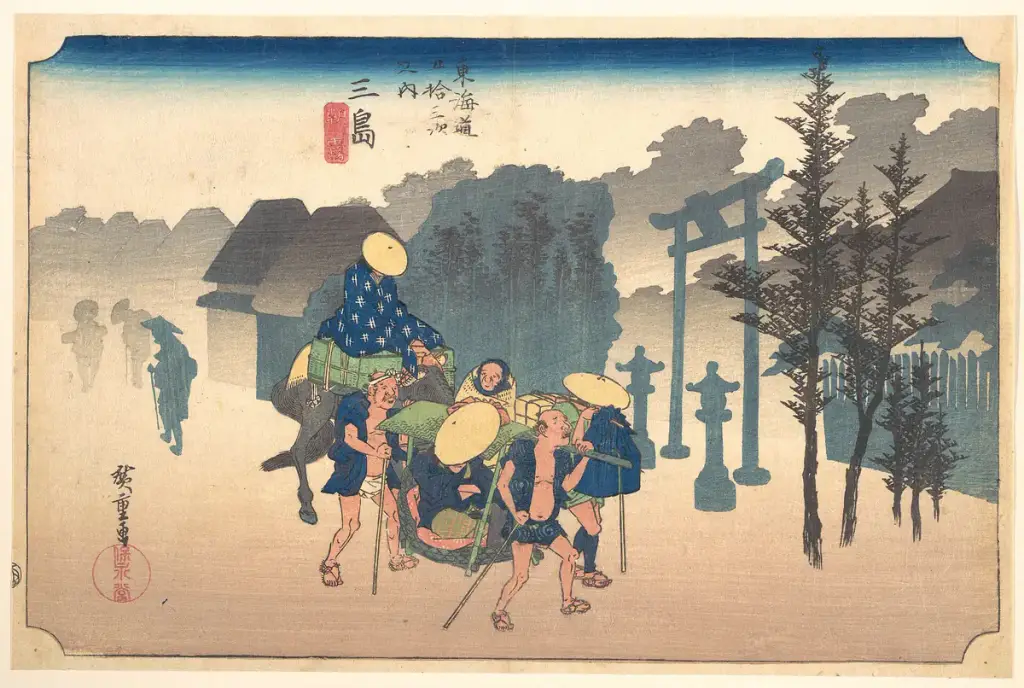
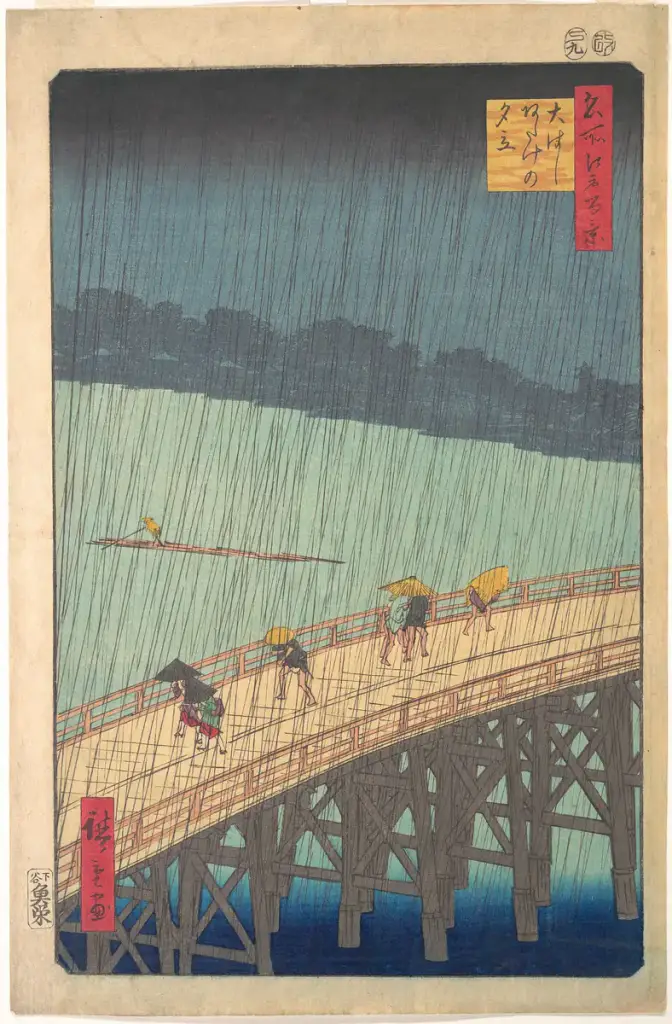
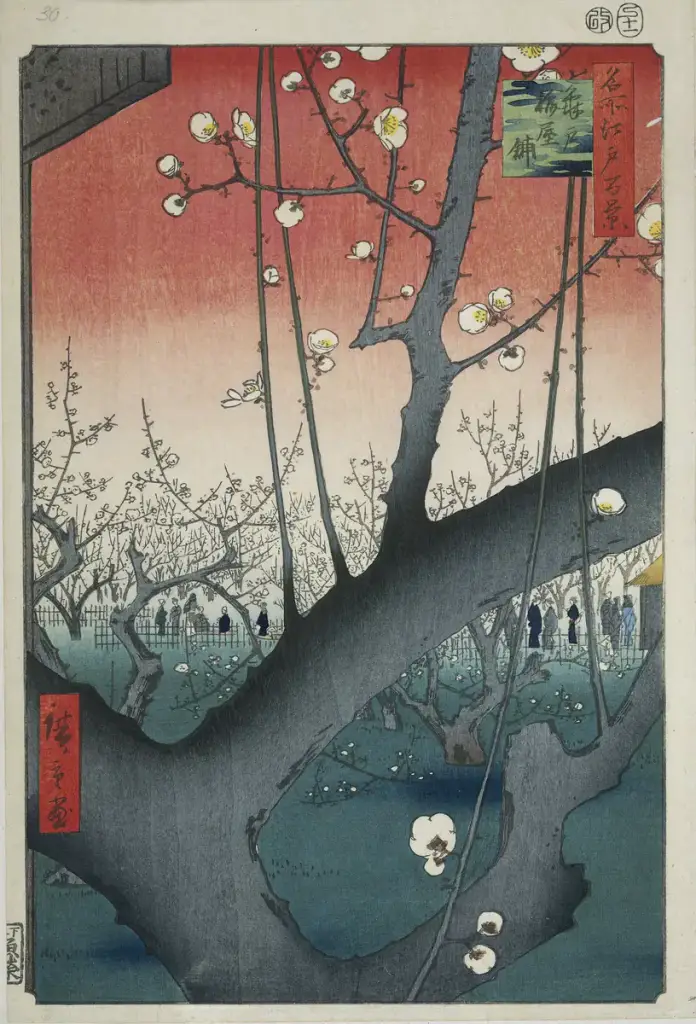
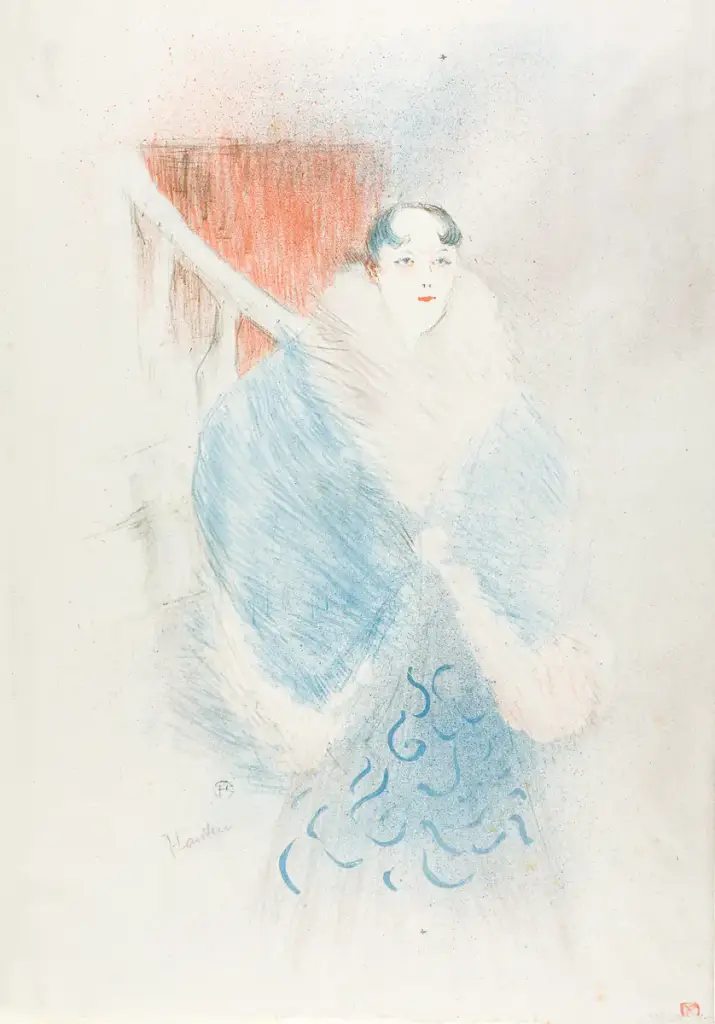
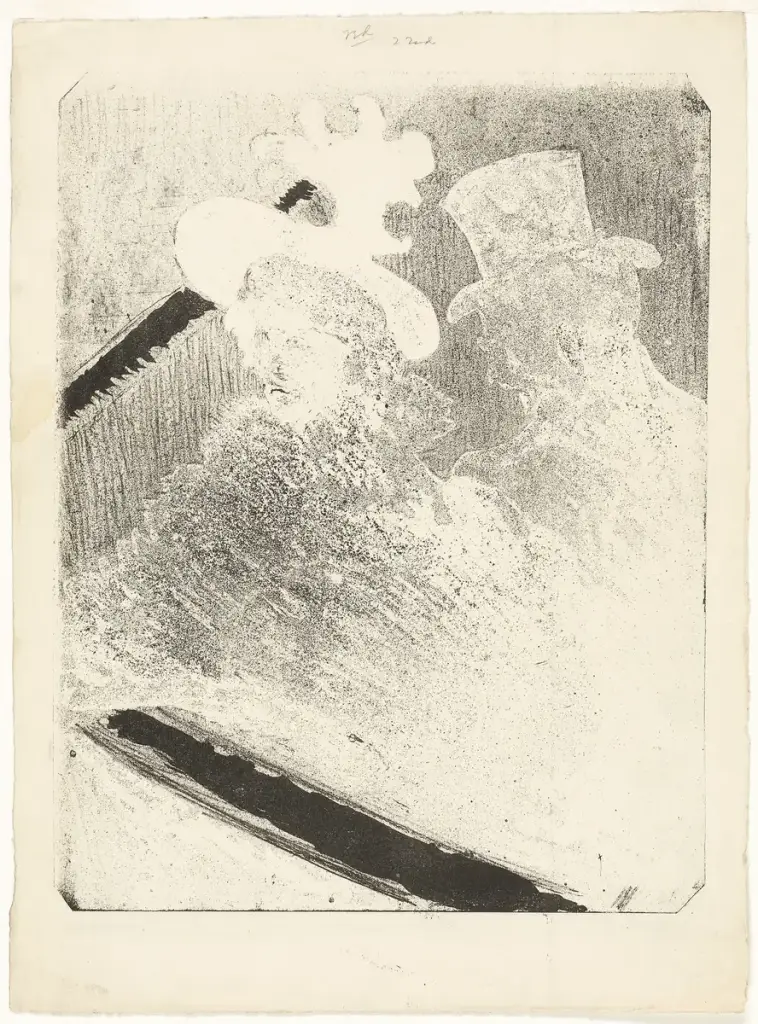
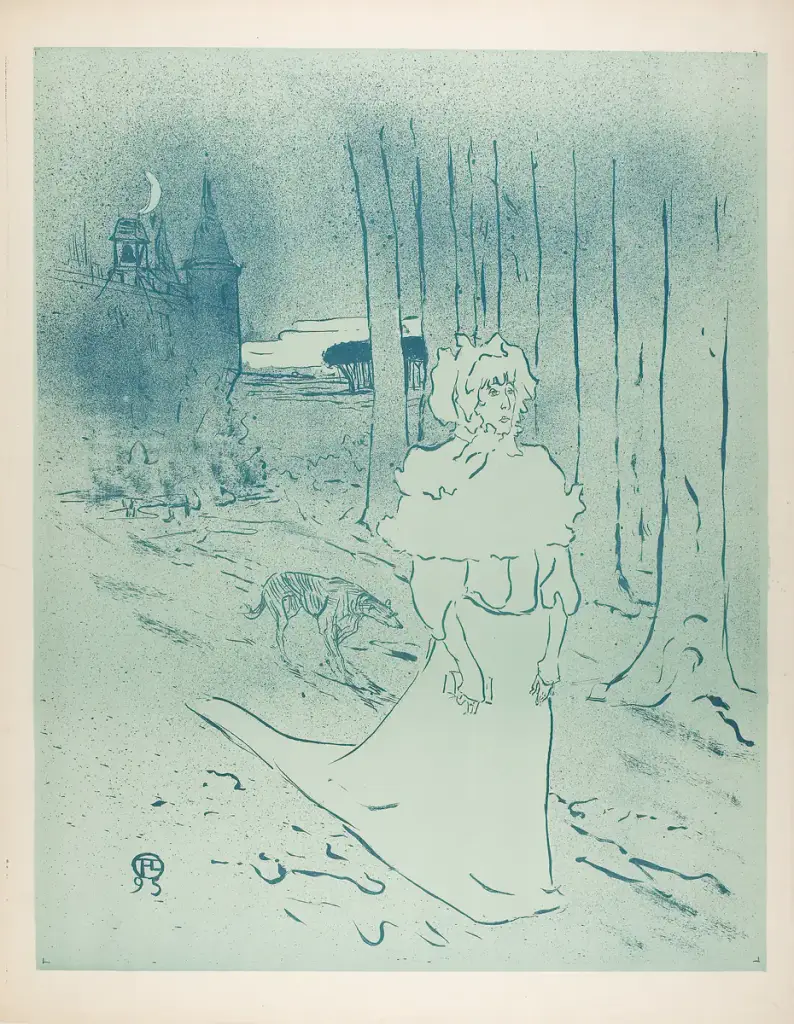
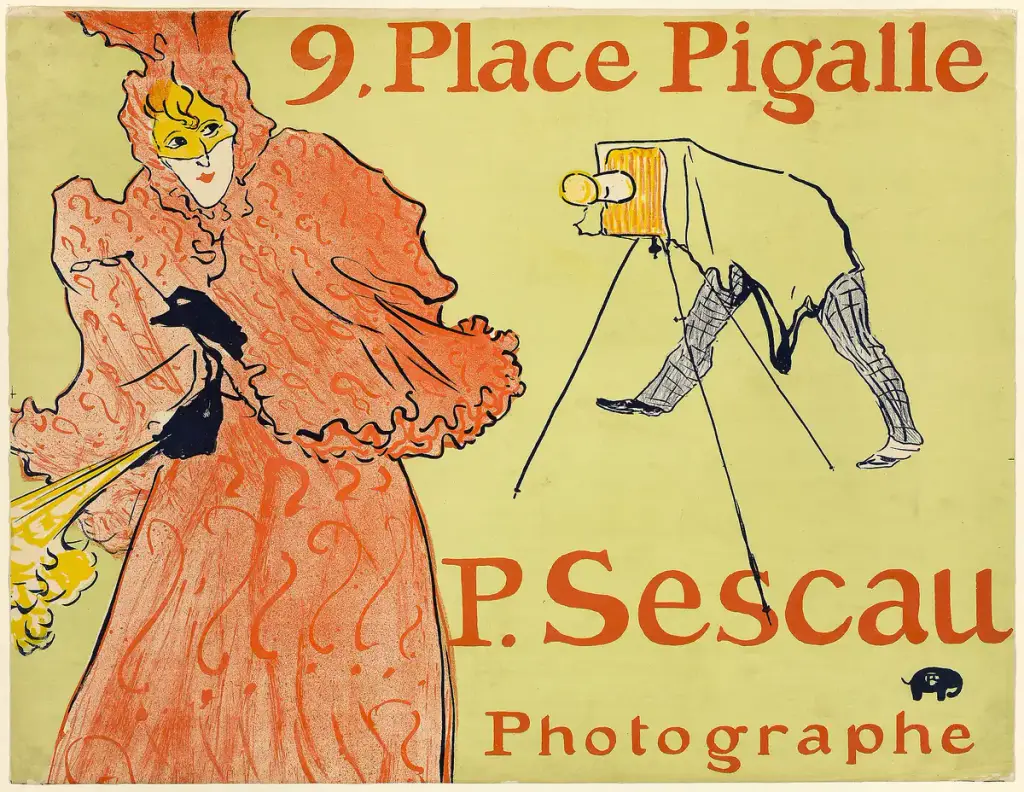


Prints: public domain, via Wikimedia Commons (from the Met, the Art Institute of Chicago, LACMA, the MFA Boston and the Rijksmuseum).
How to
Build it in three steps.
- Add a Filterable Gallery and a Gallery Filter block.
- Make one Gallery Category per artist, client or book, and tag the images – many at once in the Media Library.
- Pick masonry for mixed formats and the underline filter style for a row of tabs.
More demos: Wedding photography, Real estate listing, Restaurant menu, or all demos.
FAQ
Can one image be in two categories?
Yes. Tag an illustration with an artist and a topic, and it shows under both.
Can the filter sit somewhere else?
Yes. The Gallery Filter is its own block: above, beside or below the gallery – or one filter for every gallery on the page.
Can I show project posts instead of images?
Yes. A gallery can hold a Query Loop, so project posts with featured images filter the same way.
Free · GPL v2 or later · No account
Get Gallery Z.
It’s free.
Download the zip, upload it under Plugins → Add New → Upload, and add a Filterable Gallery to any page. The free version needs no license key and no account.