Demo
A restaurant menu gallery.
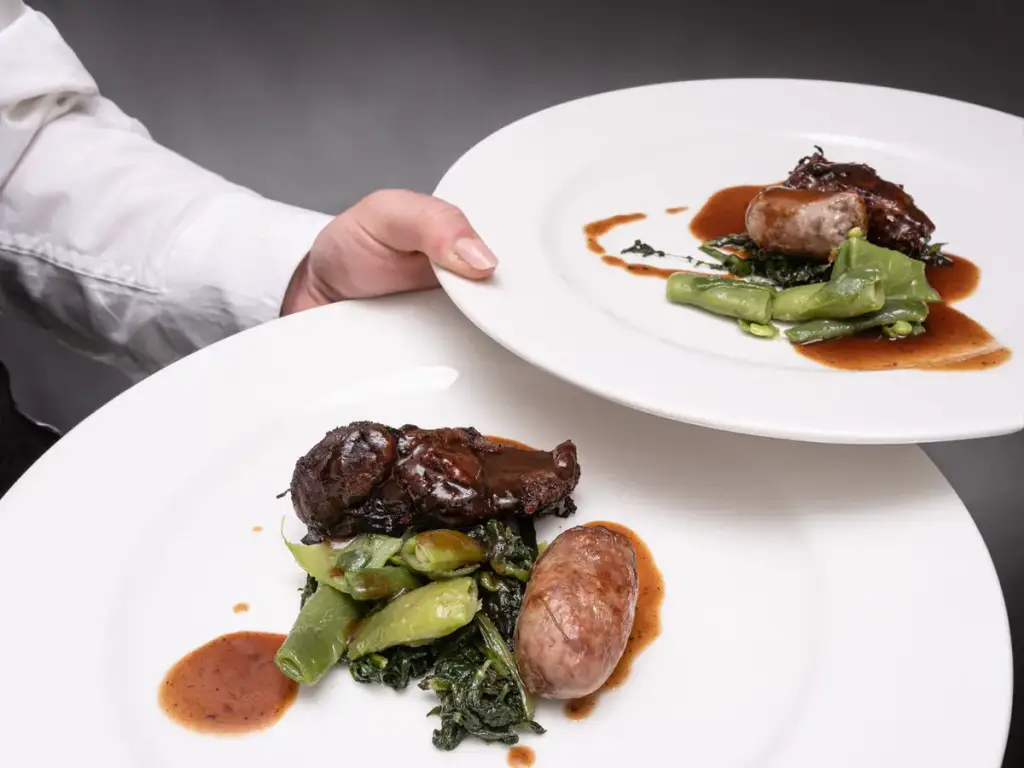
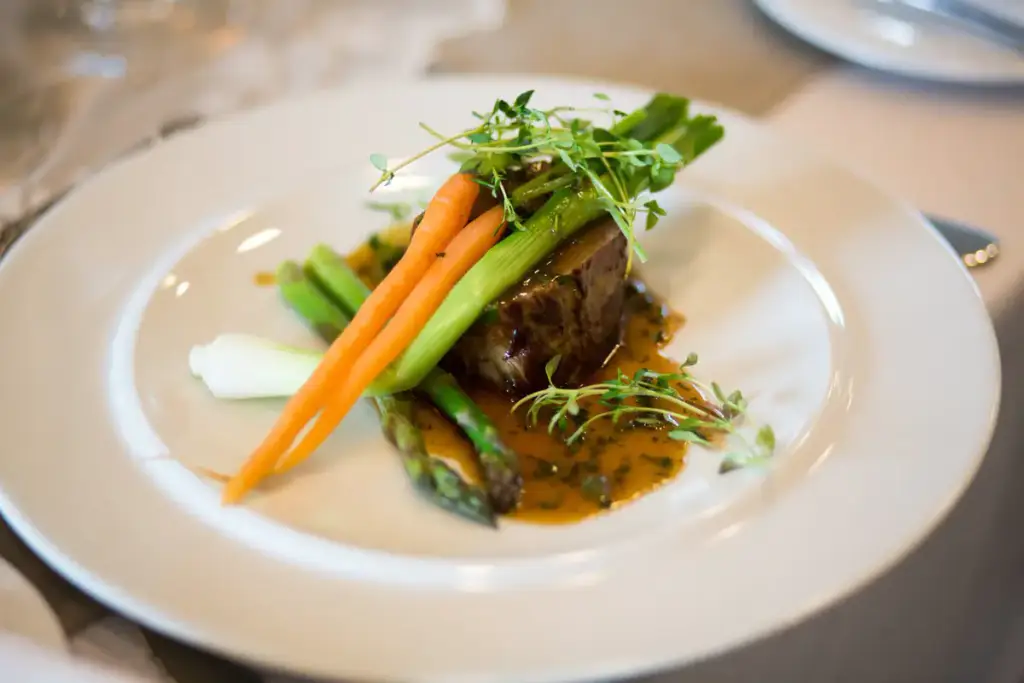
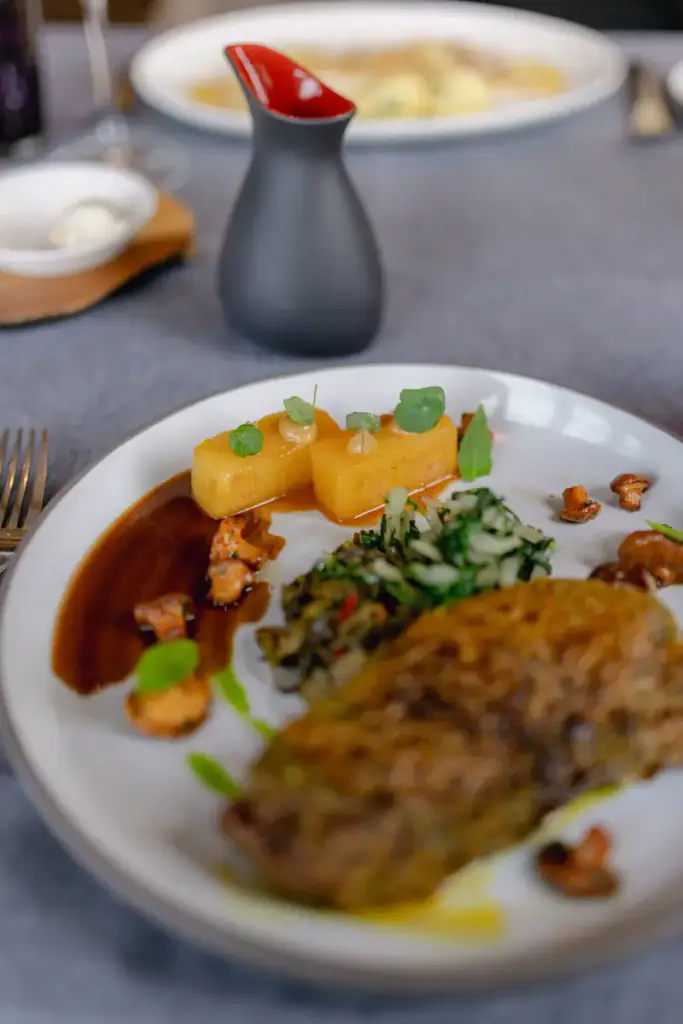
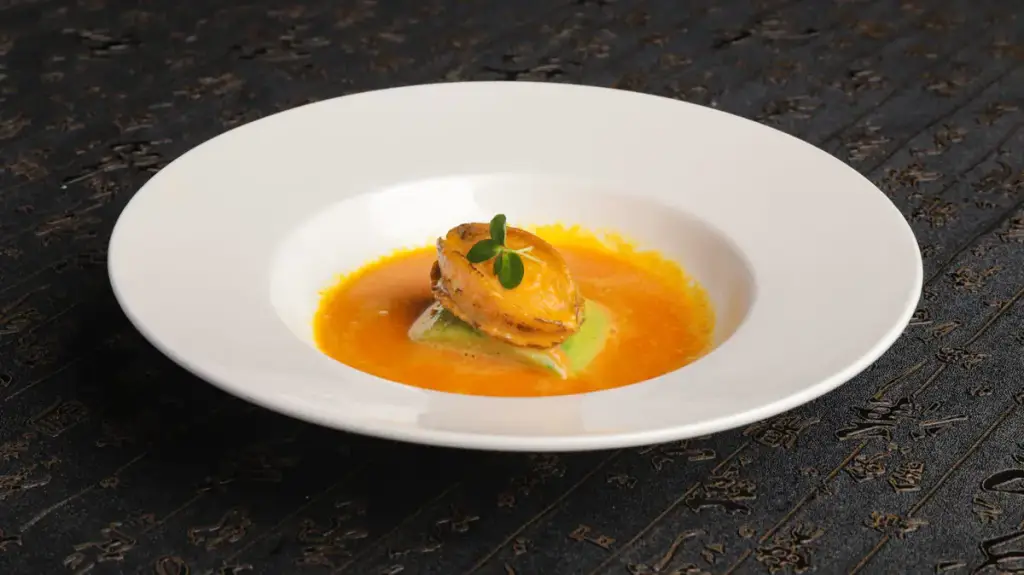
Dishes in a tidy square grid with their names underneath, a filter for the courses, and a lightbox that shows every plate large.
Live demo
The menu, in pictures
Sixteen dishes and drinks in a 1:1 grid with captions below. Filter by course.
Settings layout: grid captions: below hover: zoom
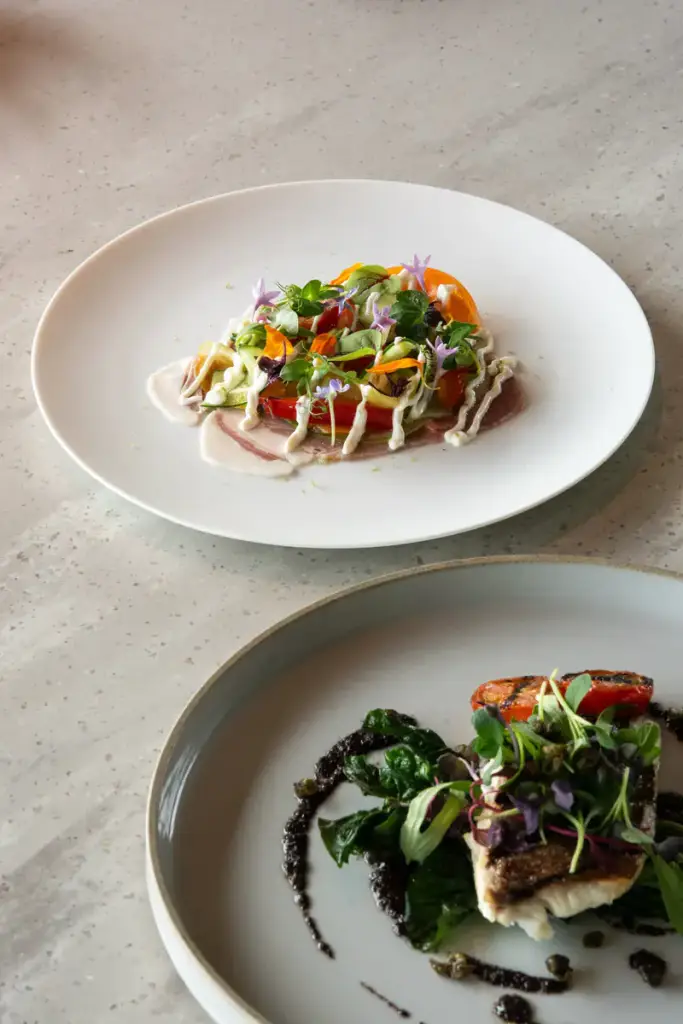
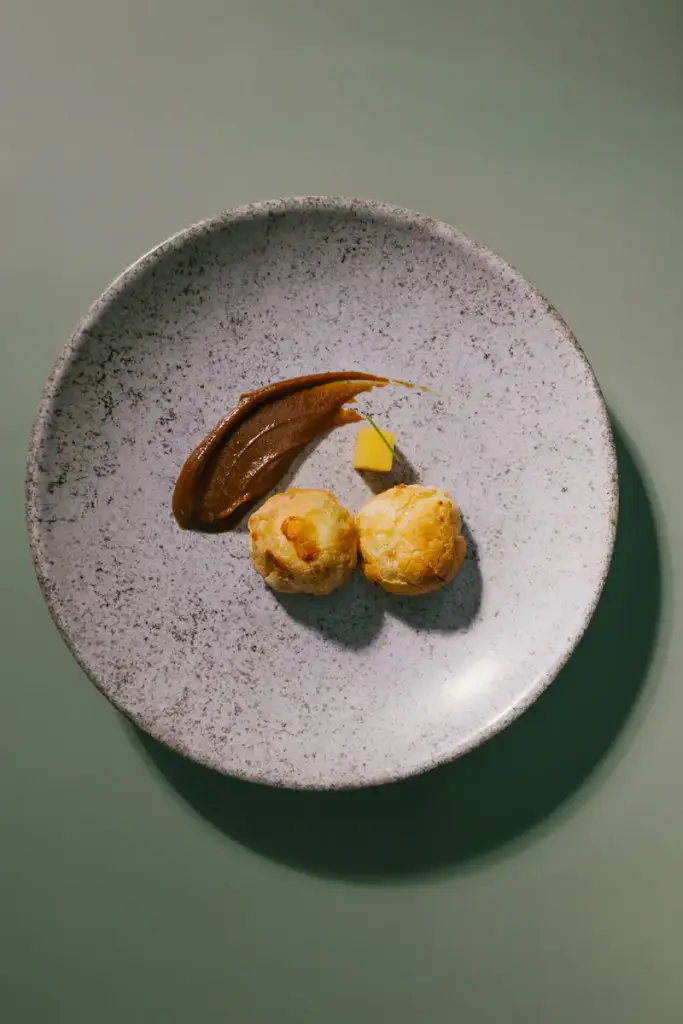
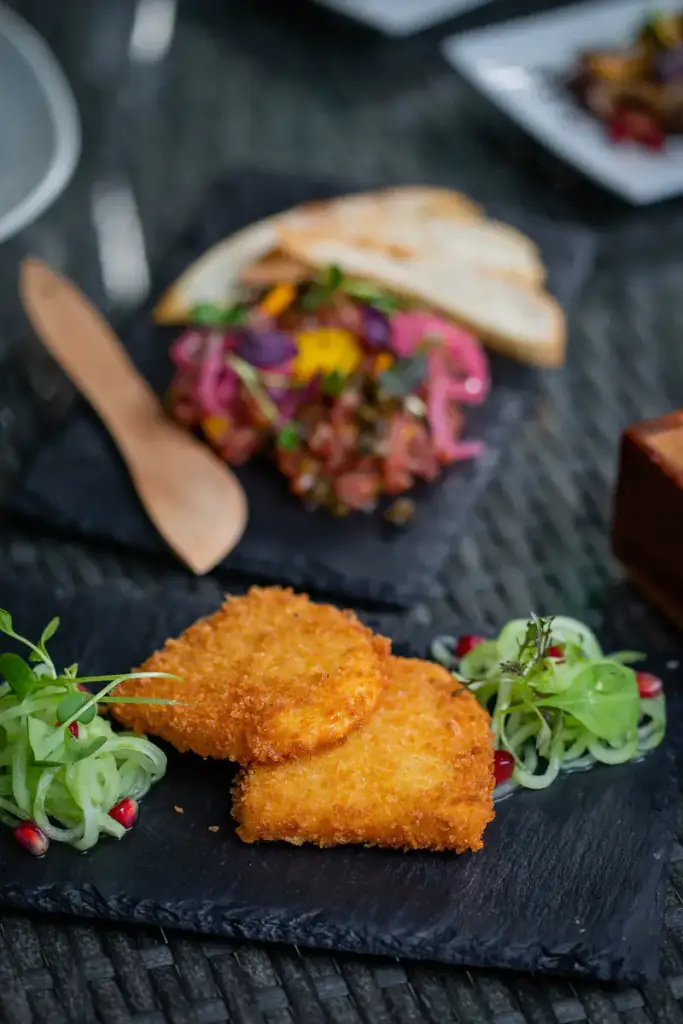
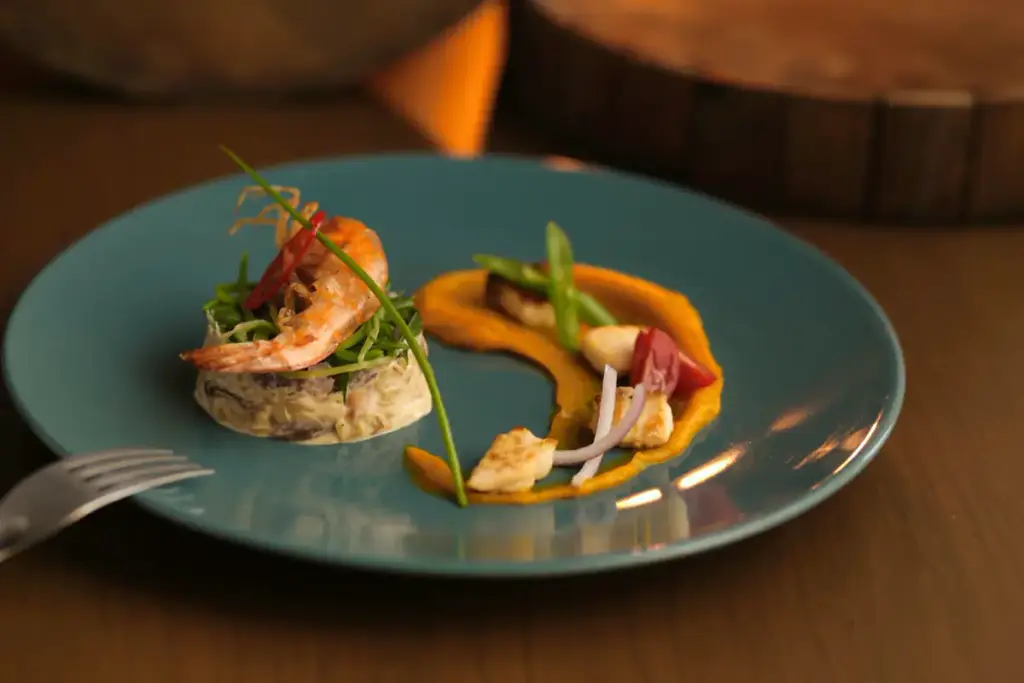

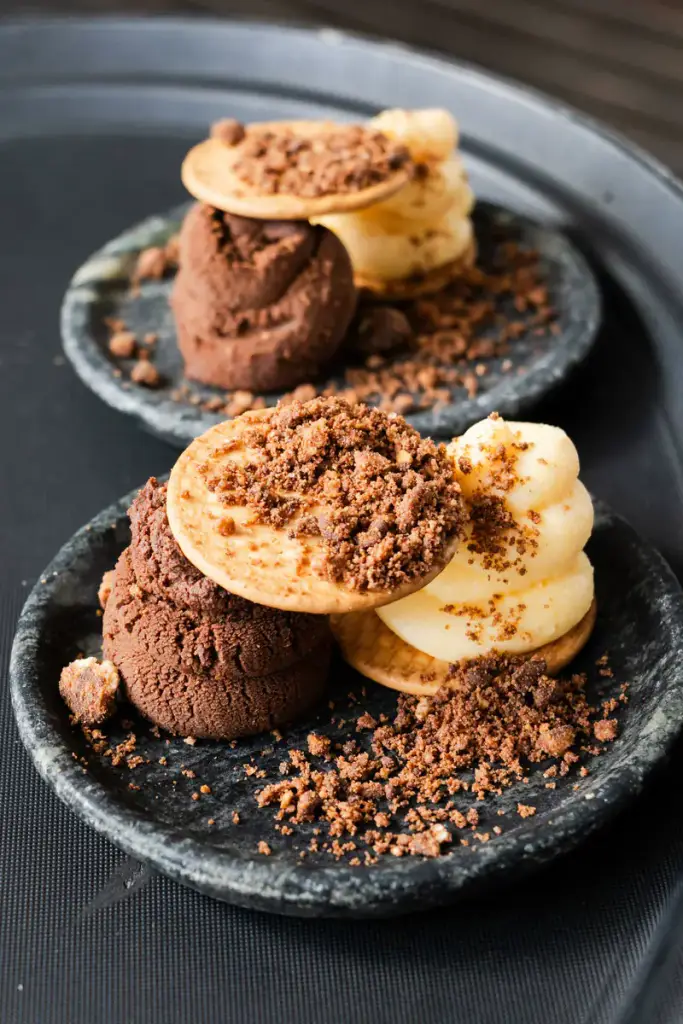
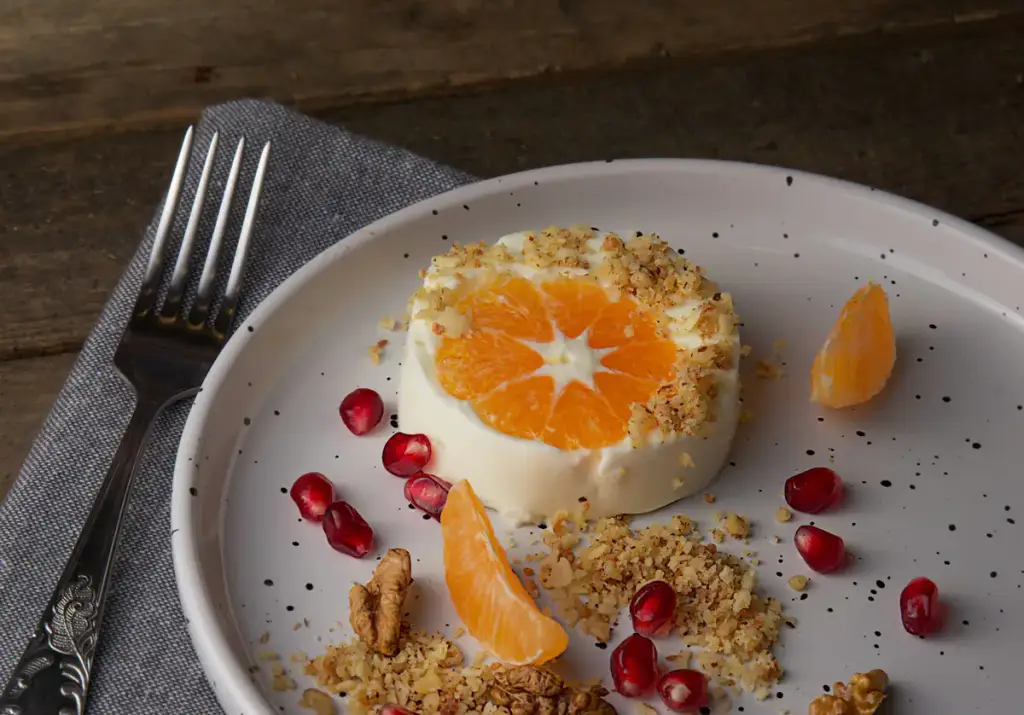

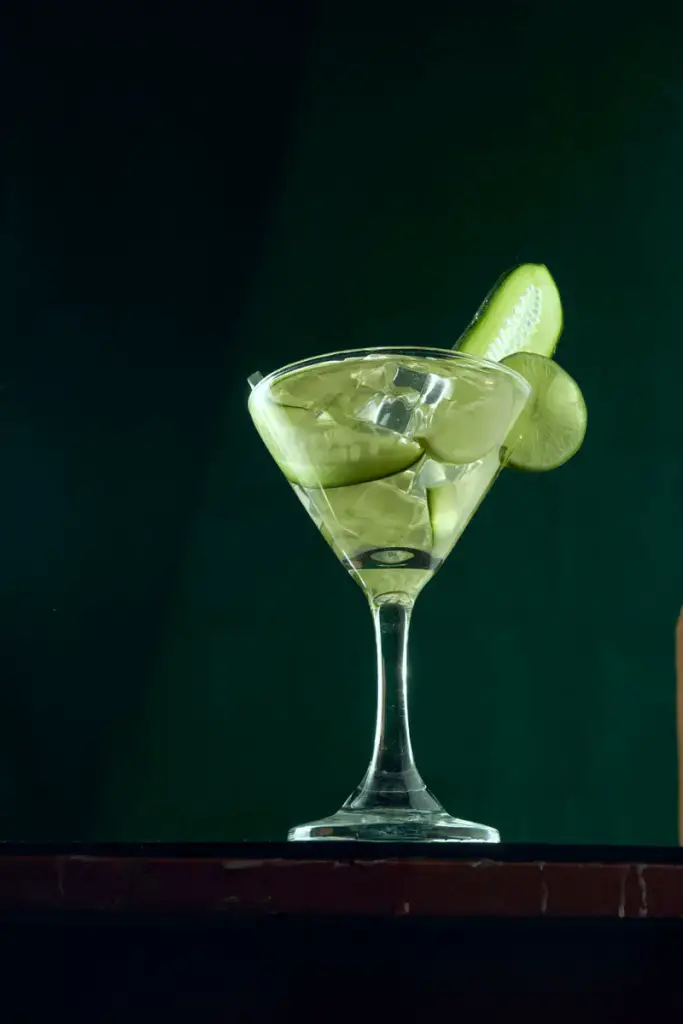
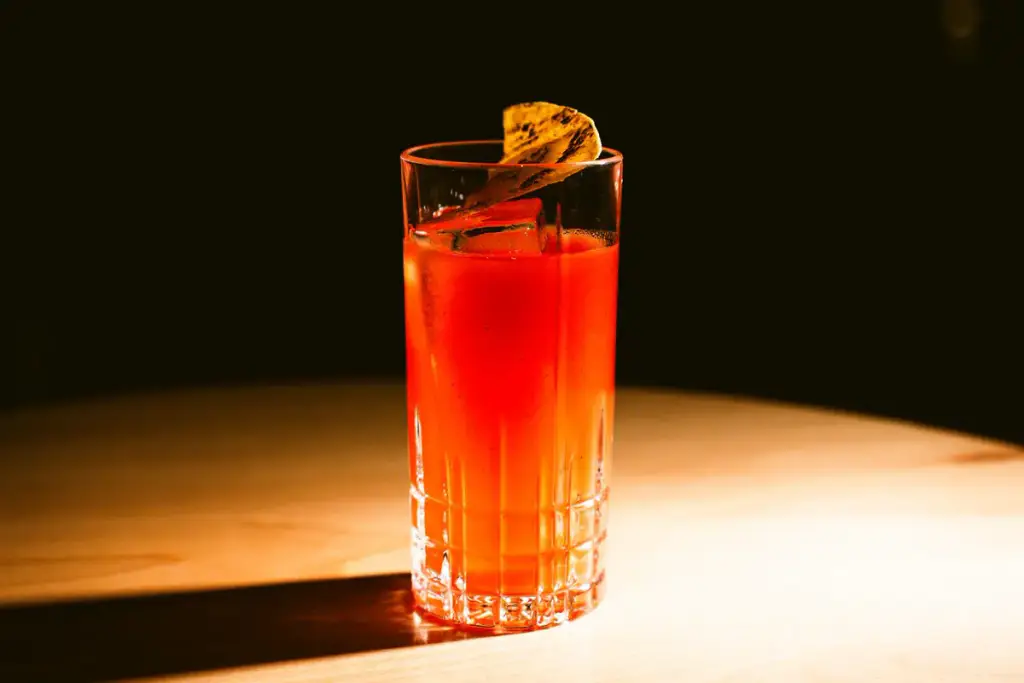


How to
Build it in three steps.
- Add a Filterable Gallery and a Gallery Filter block to the menu page.
- Upload the dishes, name each one in its caption, and tag its course.
- Pick a square grid with captions below. When the menu changes, swap the photos; the layout stays.
More demos: Tattoo portfolio, Fashion lookbook, Florist gallery, or all demos.
FAQ
Can I show prices?
Put them in the caption, like “Duck, roast potatoes · 24”. Captions sit below the photo, on it, or appear on hover.
Will it look right on phones?
Yes. Columns are set per device – here four on desktops, three on tablets and two on phones.
Can guests see only the drinks?
Yes. Each course is a Gallery Category with its own filter button.
Free · GPL v2 or later · No account
Get Gallery Z.
It’s free.
Download the zip, upload it under Plugins → Add New → Upload, and add a Filterable Gallery to any page. The free version needs no license key and no account.