Demo
A fashion lookbook gallery.
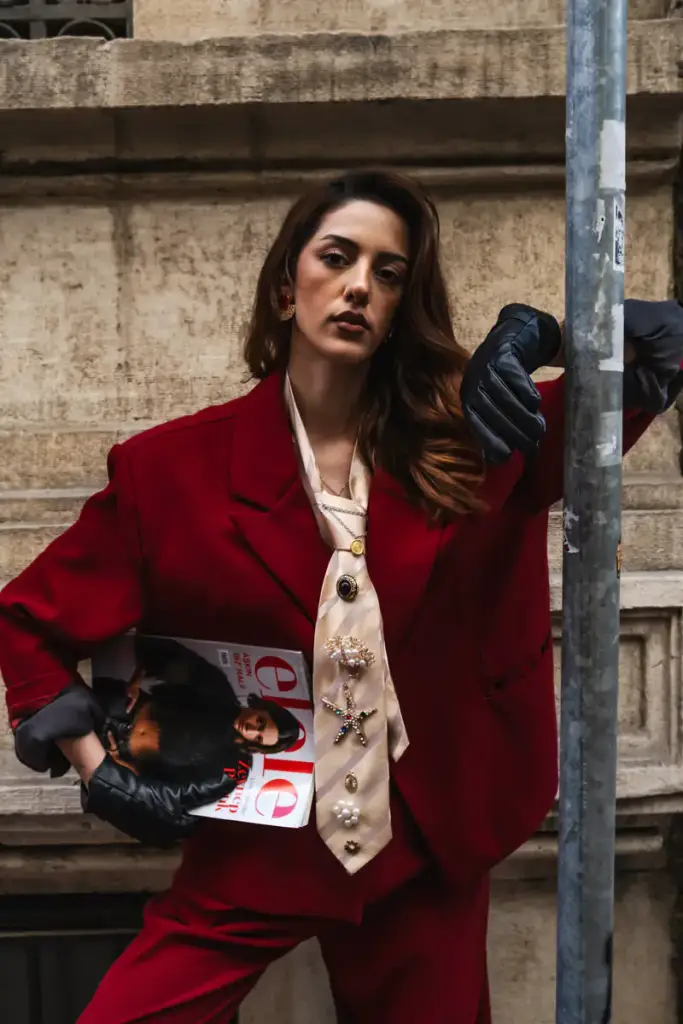
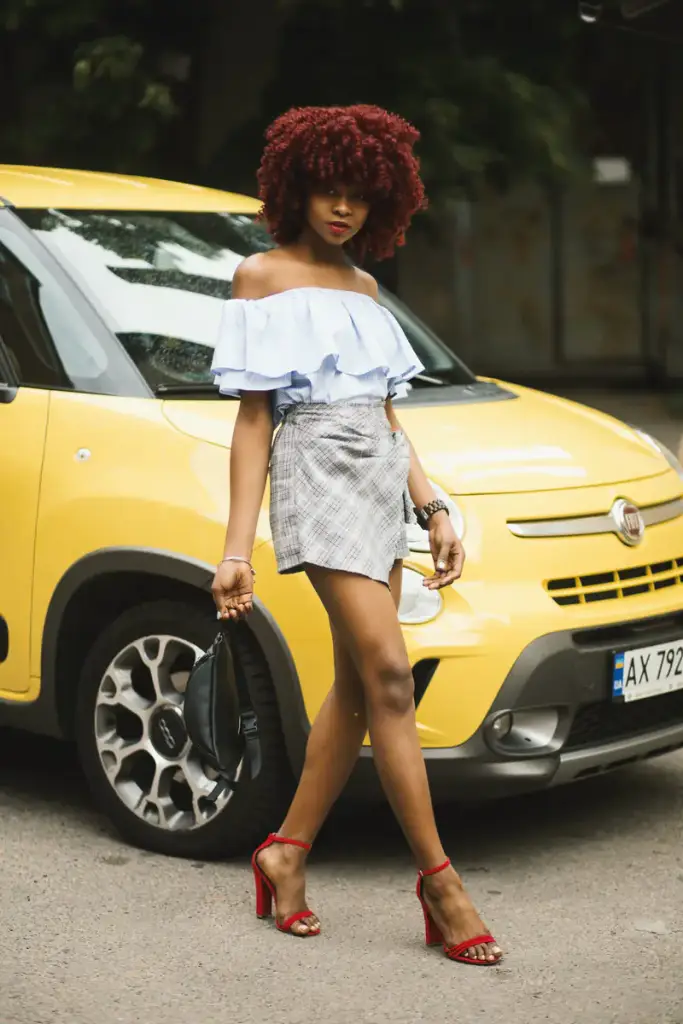
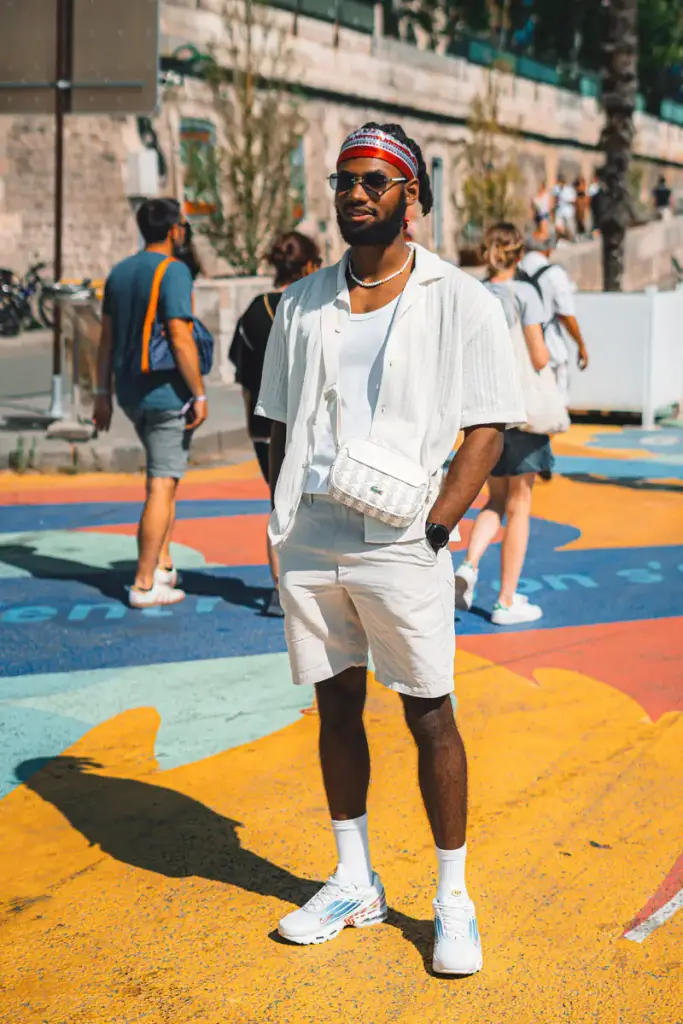
Eight looks as an accordion: slices that open to each photo’s own shape on hover, focus or click. On phones they stack top to bottom.
Live demo
Eight looks
An accordion that opens on hover, with each look’s name on the photo.
Settings layout: accordion opens on: hover captions: on image





How to
Build it in three steps.
- Add a Filterable Gallery block.
- Add one photo per look and name it in the caption.
- Pick the accordion layout and choose whether slices open on hover or on click.
More demos: Florist gallery, Event photos, Load more, or all demos.
FAQ
Does the accordion work with a keyboard?
Yes. Slices open on focus too, so Tab moves through the looks and Enter opens the lightbox.
How many looks fit?
Six to ten work best on a desktop. For a larger collection, switch the same gallery to a carousel or a grid.
Can a look link to the shop?
Yes. Set the click behavior to link, and each photo goes to its product page instead of the lightbox.
Free · GPL v2 or later · No account
Get Gallery Z.
It’s free.
Download the zip, upload it under Plugins → Add New → Upload, and add a Filterable Gallery to any page. The free version needs no license key and no account.