Demo
A property gallery for real estate listings.
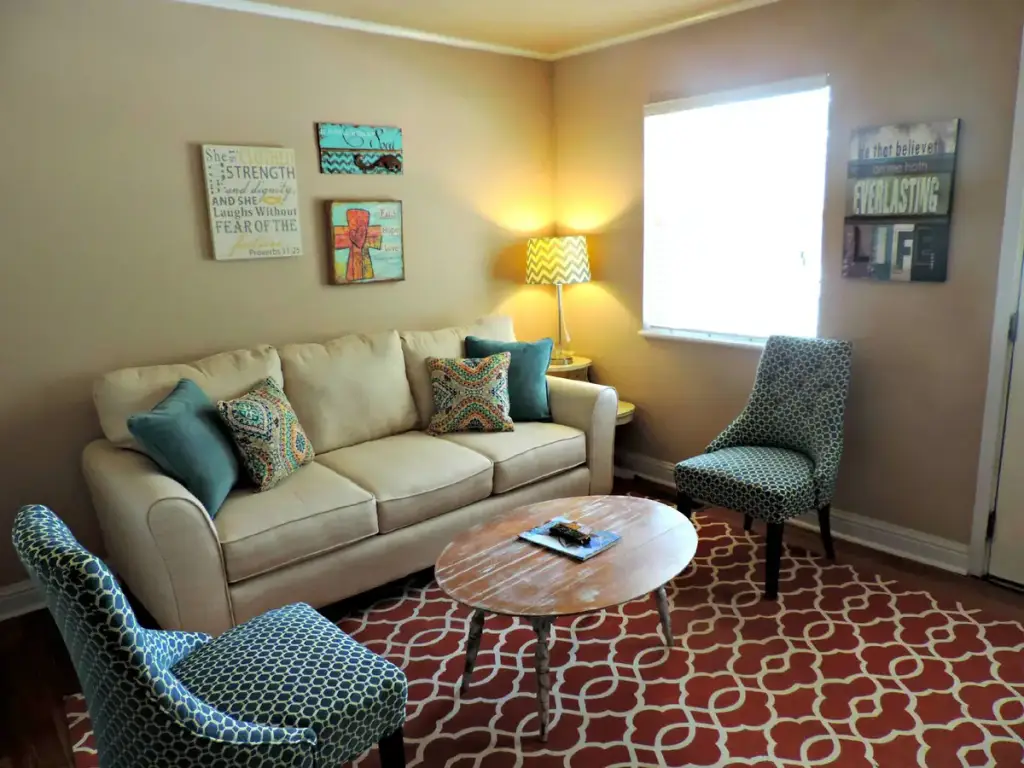
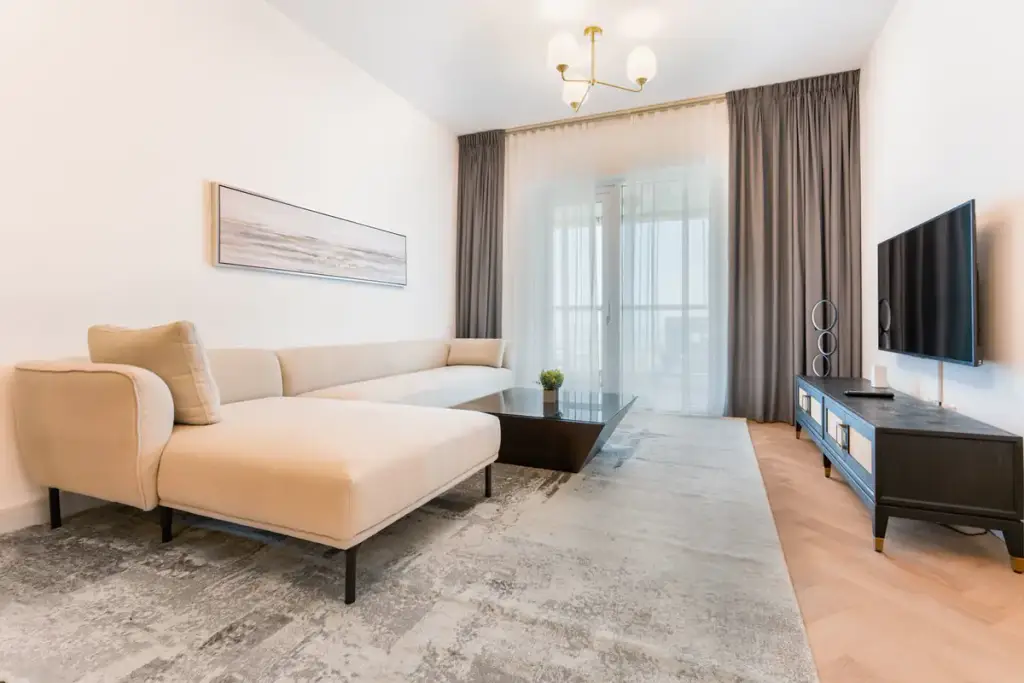
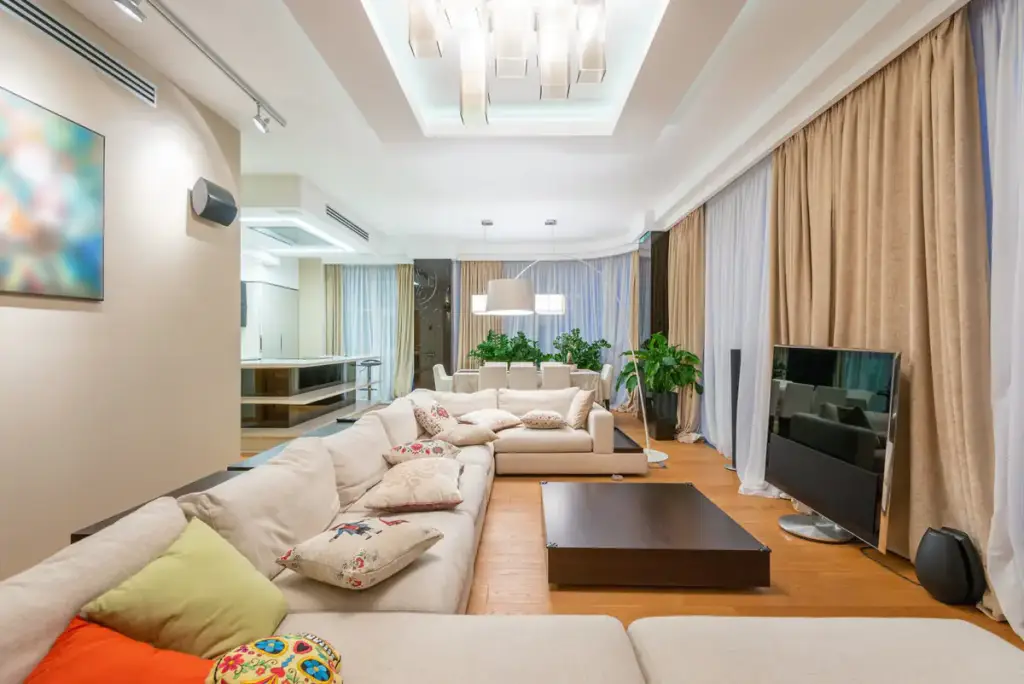
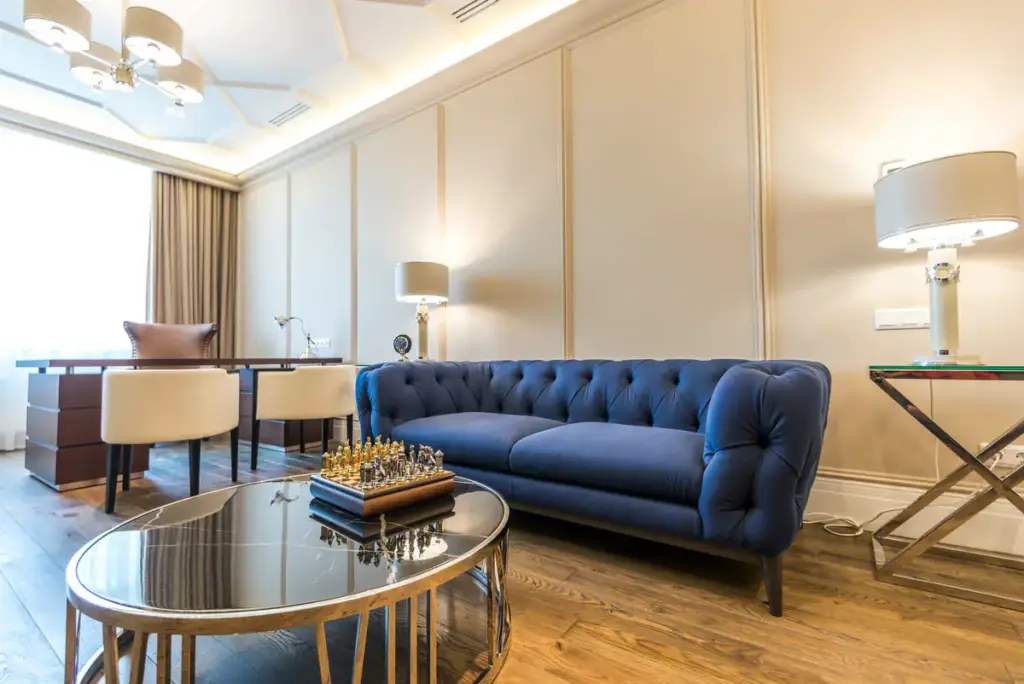
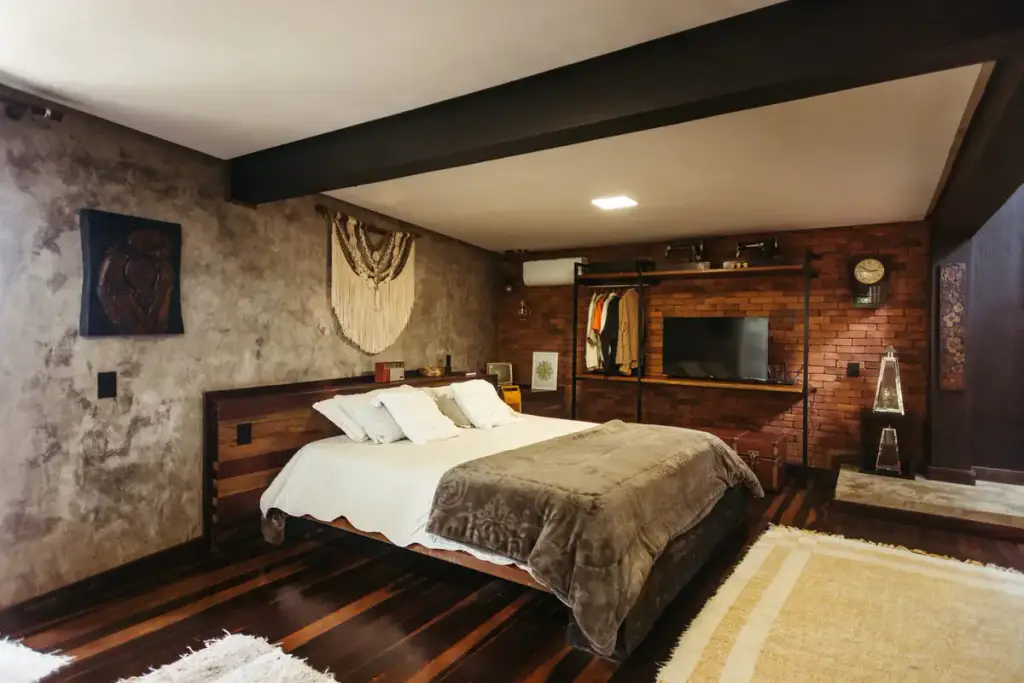
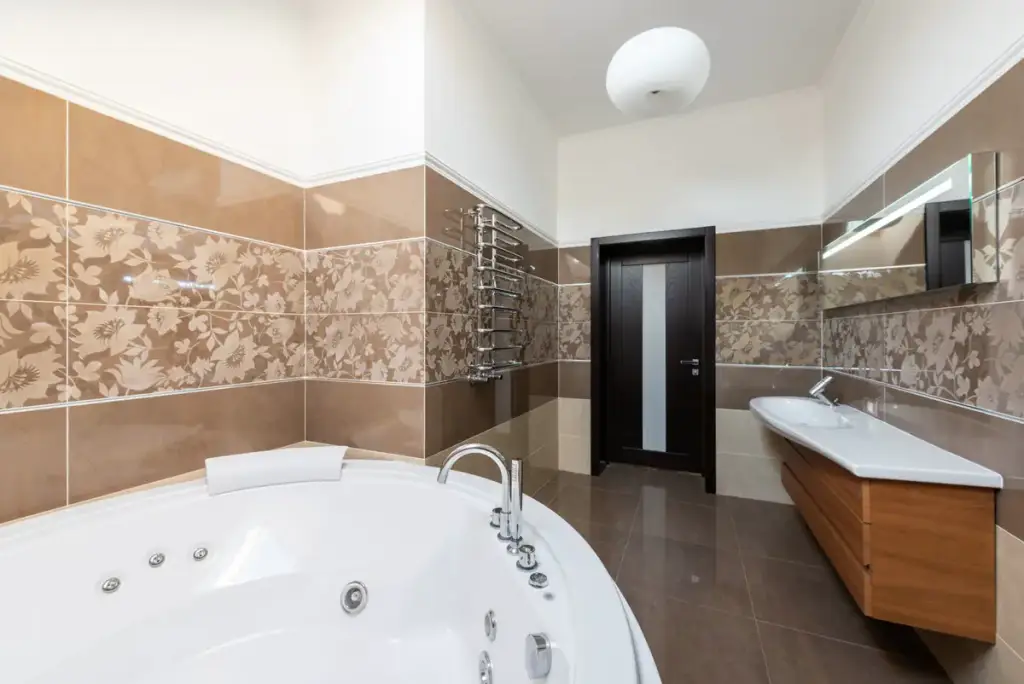
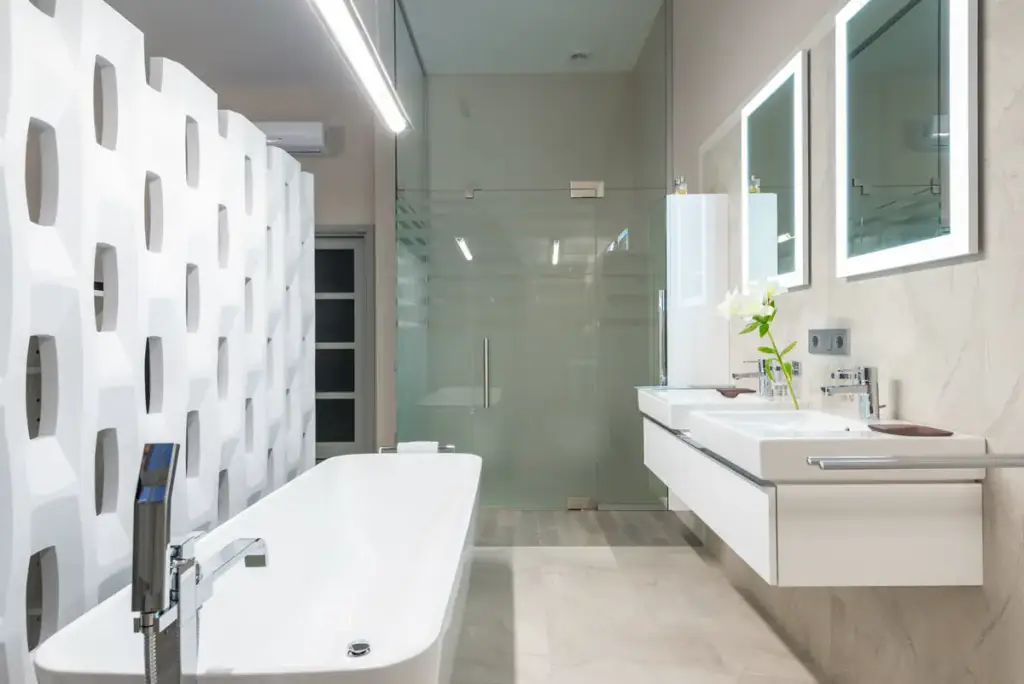
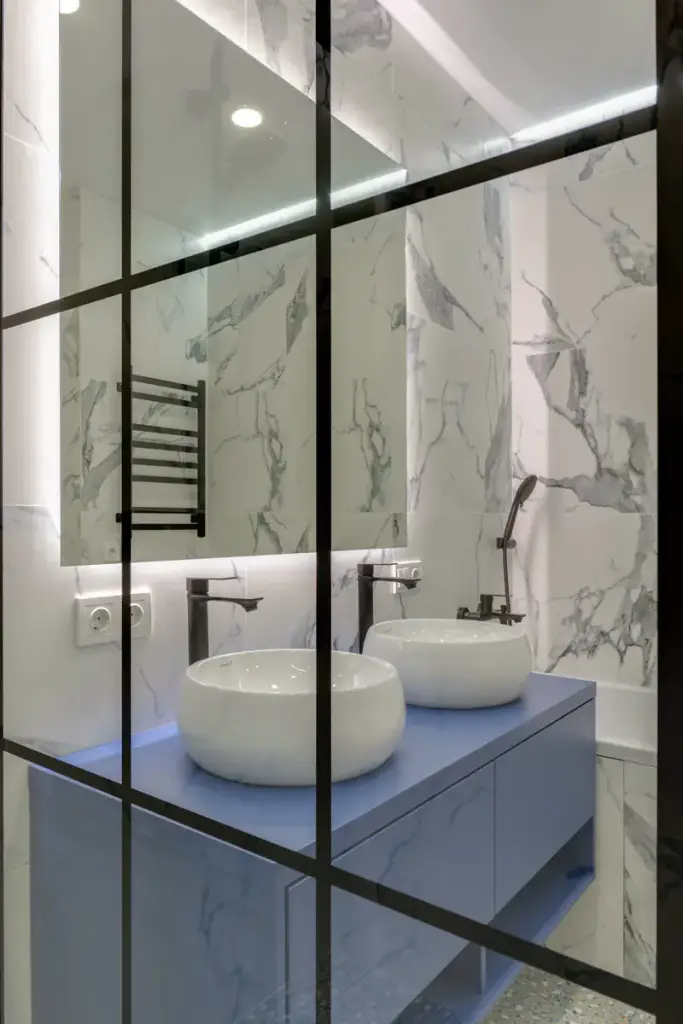
The house, room by room, in a carousel. The filter jumps to the kitchen or the bedrooms, arrows sit on the photos, and on phones it swipes.
Live demo
Room by room
Sixteen photos, outside and in, in a carousel filtered by room.
Settings layout: carousel arrows: on the photos autoplay: off



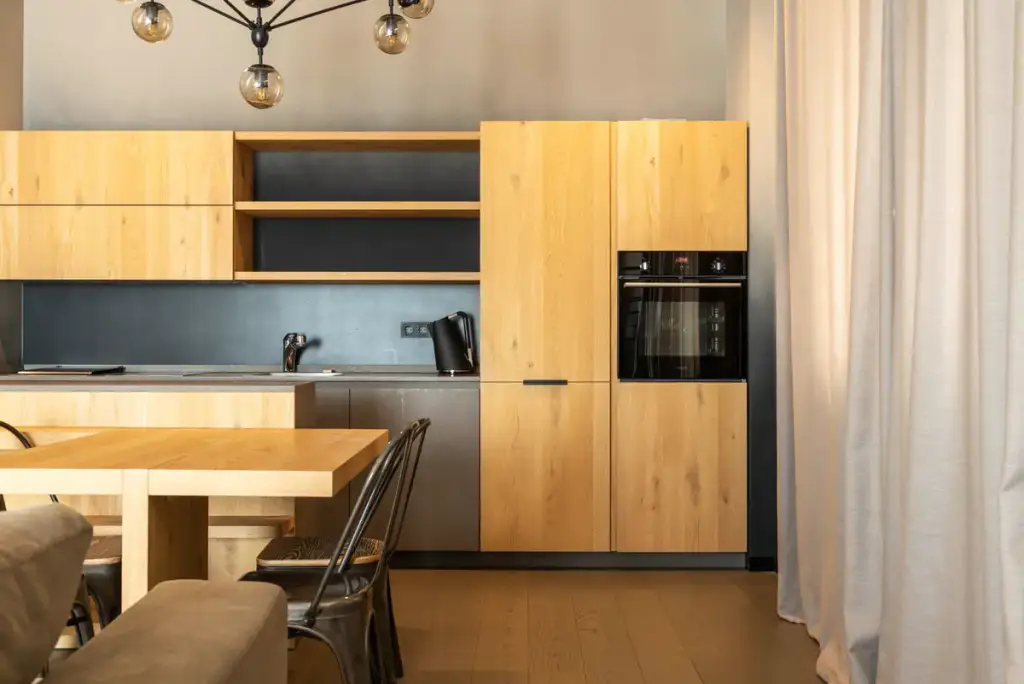
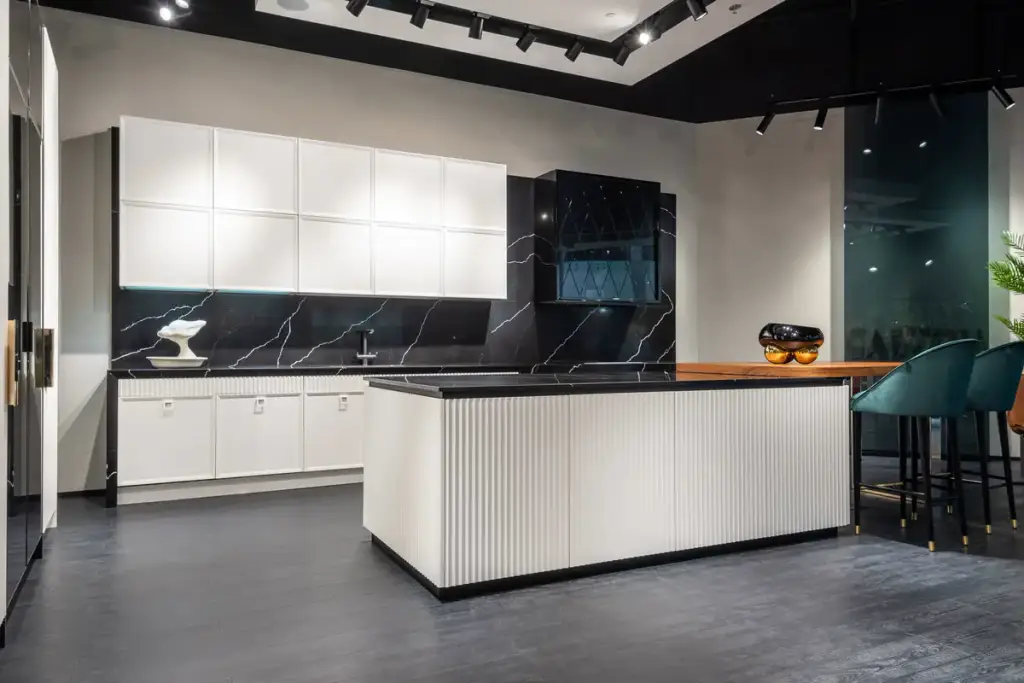
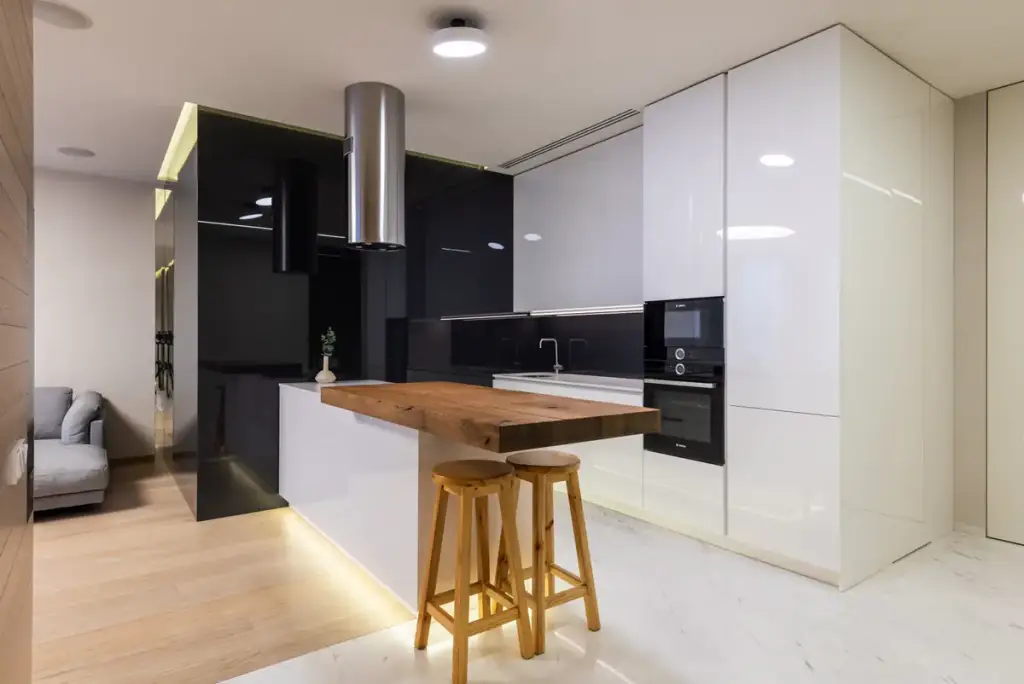
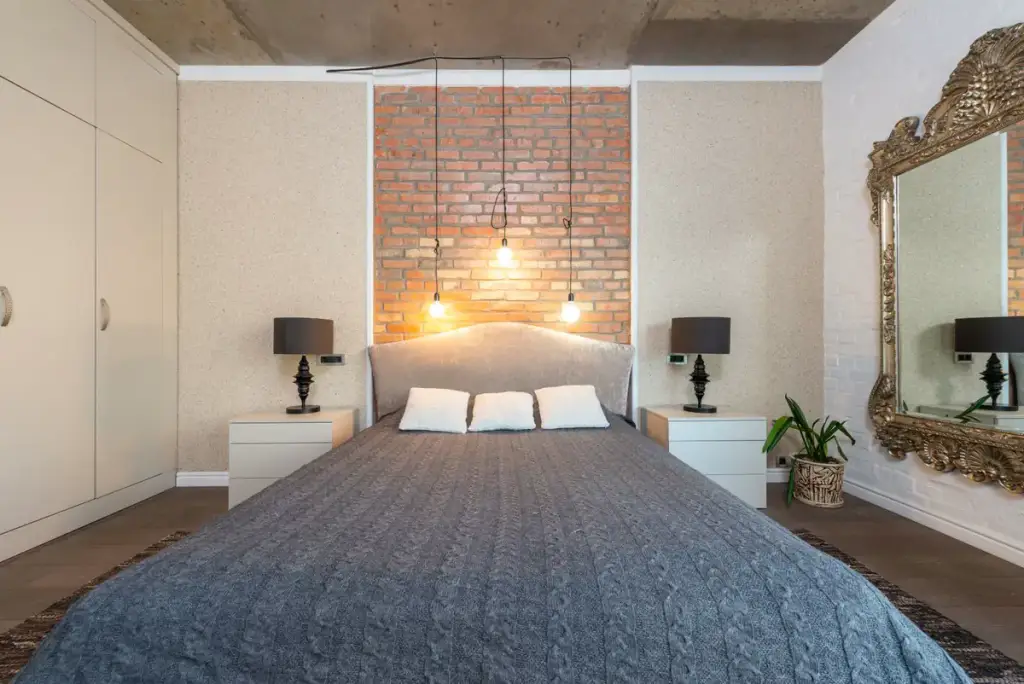

How to
Build it in three steps.
- Add a Filterable Gallery and a Gallery Filter block to the listing.
- Tag each photo with its room: outside, living, kitchen, bedrooms, bathrooms.
- Pick the carousel layout; turn on autoplay and looping for a slideshow.
More demos: Restaurant menu, Tattoo portfolio, Fashion lookbook, or all demos.
FAQ
Can the front of the house come first?
Yes. Items show in the order you arrange them in the editor: drag the best shot to the front.
Does the carousel work on phones and with a keyboard?
Yes: arrow buttons, keys, swipes and native scroll snapping. No slider library.
Can every listing have its own rooms?
Yes. The filter shows only categories that are in the gallery, so a flat without a garden gets no “Outside” button.
Free · GPL v2 or later · No account
Get Gallery Z.
It’s free.
Download the zip, upload it under Plugins → Add New → Upload, and add a Filterable Gallery to any page. The free version needs no license key and no account.