For a long time a WordPress gallery meant jQuery, a masonry library, a lightbox library and an animation library, loaded on every page just in case. In 2026 the browser does most of that work itself. This is how Gallery Z gets by with about 8 KB of its own JavaScript, and what that looks like measured.
Why galleries needed all that script
A gallery has a few hard problems: placing photos of different shapes without gaps, showing one large photo over the page, scrolling a row of photos sideways, animating photos as they appear, and filtering them without a jump. Ten years ago each of these needed JavaScript – and jQuery made that JavaScript easier to write across browsers. Plugins that started then still carry that stack, and it shows: the free versions of the popular gallery plugins load between about 20 and 75 KB of gzipped JavaScript for a default gallery with a lightbox, on top of jQuery’s roughly 35 KB.
Every one of those problems now has a native answer. Here they are, one by one.
The lightbox is a dialog element
HTML has a <dialog> element. Opened as a modal, it sits in the top layer above everything else on the page, makes the rest of the page inert, closes on Escape, and returns focus to where it was when it closes. Those are exactly the parts of a lightbox that are easy to get wrong with a div and a lot of script.
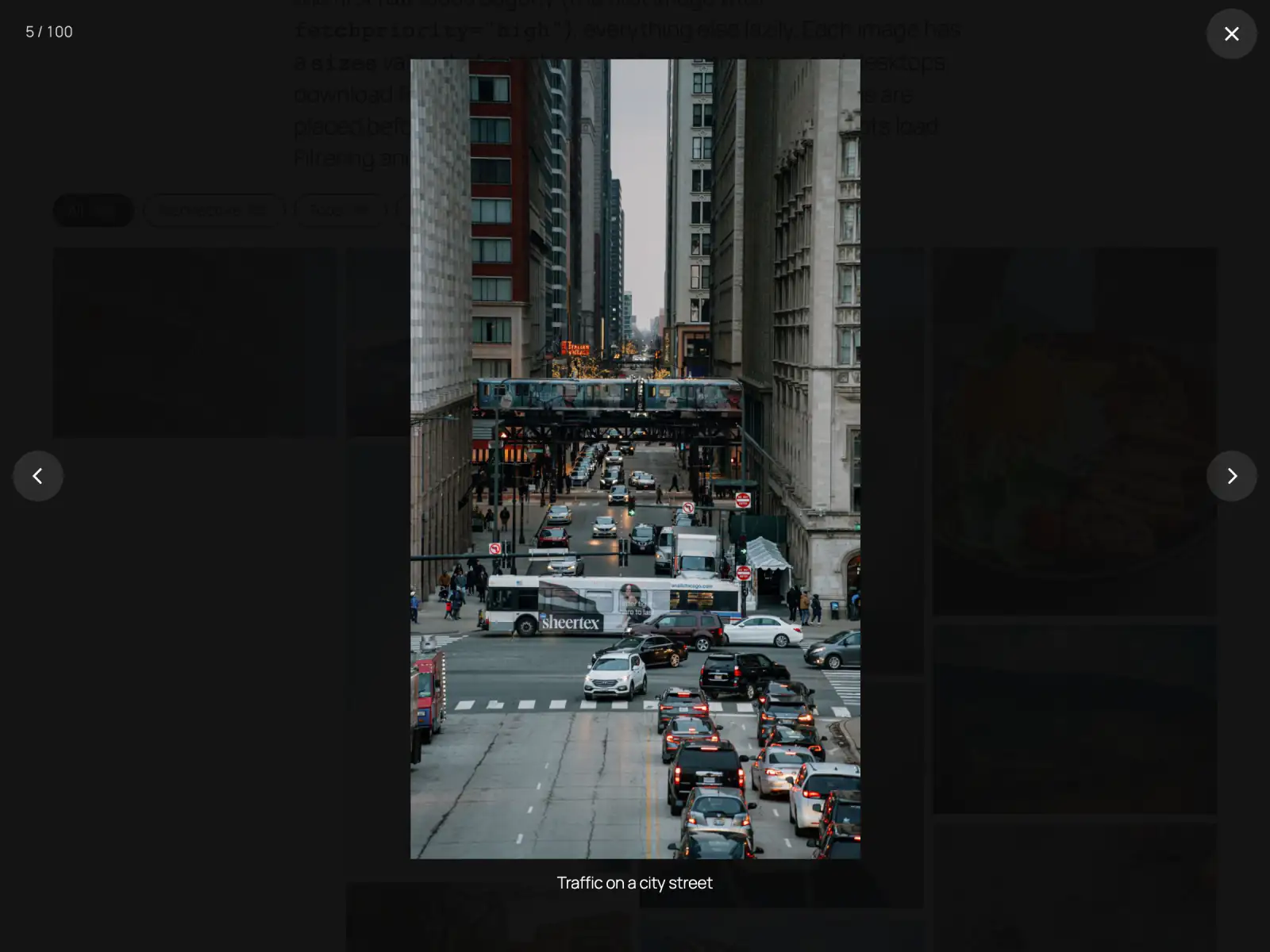
Gallery Z builds its lightbox on that element and creates it the first time someone opens a photo. Its code, 2.9 KB gzipped, is only fetched when the browser is idle, and only on pages with a lightbox gallery. On top of the dialog it adds what a photo viewer needs: arrow keys, swiping, a counter, captions, and a zoom from the thumbnail. A click on the photo or around it closes it, and the page behind doesn’t scroll while it’s open. The plain fade-in is CSS @starting-style, and the zoom from the thumbnail uses the browser’s Web Animations API – no animation library.
Layouts are CSS
Three of the five layouts need no script to lay out:
- Grid: CSS grid, with
aspect-ratioandobject-fitcropping every photo to the same shape. - Justified rows: flexbox. The server writes each photo’s aspect ratio into a custom property, and each item grows in proportion to it, so every row fills the width and every photo keeps its shape.
- Accordion: slices that open on hover need no script either; only “open on click” loads a small script.
Masonry is the exception – for now. CSS grid can’t yet put each photo into the shortest column everywhere, so a script does that, on a grid with 1px rows. A 1 KB inline script places the photos right after the gallery in the HTML, before the first paint, so they don’t jump into place after the page appears; a 1.8 KB module keeps them in place when the width changes. Browsers that have native masonry – display: grid-lanes, in Safari 26.4 and later – get pure CSS, and the script steps aside.
All of this works without JavaScript too: every item shows, rows and grids keep their layout, masonry falls back to a plain column grid, and lightbox links point to the image file.
The carousel is scroll-snap
A carousel used to be a strip of absolutely positioned slides moved by a script. With scroll-snap, it is a row that scrolls sideways and comes to rest on a photo – with the browser’s own scrolling, momentum and touch handling. Gallery Z adds arrows, autoplay that pauses on hover, on focus and off screen, and an endless loop: copies of the photos fill the row on both sides, and at rest the row jumps back by one round while nothing on screen changes, so it never stops at an end. The copies are hidden from screen readers and the keyboard. That navigation code (3.5 KB) only loads on pages with a carousel or a click-to-open accordion. The option to center the current slide fades its neighbors back with a scroll-driven animation, so the fade itself needs no script.
Reveal on scroll without an observer
Animating photos in as they scroll into view used to need a script listening to scroll events, later an IntersectionObserver. CSS scroll-driven animations do it declaratively: an animation whose progress is tied to the element’s position in the viewport. Gallery Z uses them for its ten reveal effects – rise, fade, zoom, blur, tilt up, wipe, pop, flip, slide and iris – with a stagger, so neighbors arrive one after another. No JavaScript runs for it at all.
Browsers without scroll-driven animations simply show the photos, and so does every browser when the visitor has asked for reduced motion. That is the pattern throughout: the modern feature adds polish, and its absence costs nothing but the polish.
Filtering with View Transitions
Filtering is the part that still needs a script – something has to react to the click. Gallery Z’s filter and gallery core is 3.1 KB. A click toggles a class on the items that don’t match, inside a View Transition, and the browser animates each photo from its old place to its new one. Before the change it only snapshots items that are on screen, so a 100-photo gallery doesn’t make the browser capture 100 images. Browsers without View Transitions switch instantly.
The script is built on the Interactivity API that ships with WordPress, the same system core blocks like Navigation and the Image lightbox use. That runtime belongs to WordPress, not to the plugin – about 15 KB gzipped in WordPress 7.1, shared by every block on the page that uses it, and loaded as a module. If your theme already uses it for its navigation, a gallery adds nothing there.
The numbers
Here is what the current build loads, gzipped:
| Part | Size | Loads |
|---|---|---|
| Filter and gallery core | 3.1 KB | on pages with a gallery or filter |
| Masonry and rows placement | 1.8 KB | with a masonry or rows gallery |
| Masonry pre-paint script | 1.0 KB | inline, once, with masonry or rows |
| Lightbox | 2.9 KB | when the browser is idle, with a lightbox gallery |
| Carousel and accordion navigation | 3.5 KB | with a carousel or click accordion |
| Base CSS | 2.3 KB | where a gallery renders |
A filterable masonry gallery with a lightbox therefore comes to about 8 KB of Gallery Z script files, plus the 1 KB inline placer. On the plugin’s 100-photo test page, window.jQuery is undefined: the only scripts are the three Gallery Z files, the Interactivity runtime and WordPress’s own navigation and emoji scripts.
The plugin’s test suite measures that page, logged out on a fast 4G connection, with the phone run at four times slower CPU:
| Largest Contentful Paint | Layout shift | Filter click (INP) | |
|---|---|---|---|
| Phone, 390px | about 260–310 ms | 0.014 | about 65 ms |
| Desktop, 1440px | about 360 ms | 0.001 | about 55 ms |
The small layout shift on the phone comes from the theme’s web font swapping in, not from the gallery. The images on first view – 18 requests and 254 KB on the phone – matter more than the script: the first row loads eagerly, its first photo with fetchpriority="high", everything else lazily, and every image has a sizes value that matches its column.
What this means for your site
Less script is not a goal of its own. It means less to download on a slow connection, less to parse on a cheap phone, and less that can break when a theme or another plugin loads a different version of the same library. It also means the gallery keeps working without JavaScript, because the layout never depended on it.
You can see it for yourself: our 100-photo demo is one Gallery Z gallery with a filter and a lightbox. Open the network panel, filter, scroll, and open a photo.
Sizes: gzipped, as the plugin’s readme lists them for the current build; WordPress’s Interactivity runtime measured in WordPress 7.1.2 (minified, gzipped). Page measurements from the plugin’s performance test, as published in its readme. The competitor figures are from our comparison, checked in September 2026.